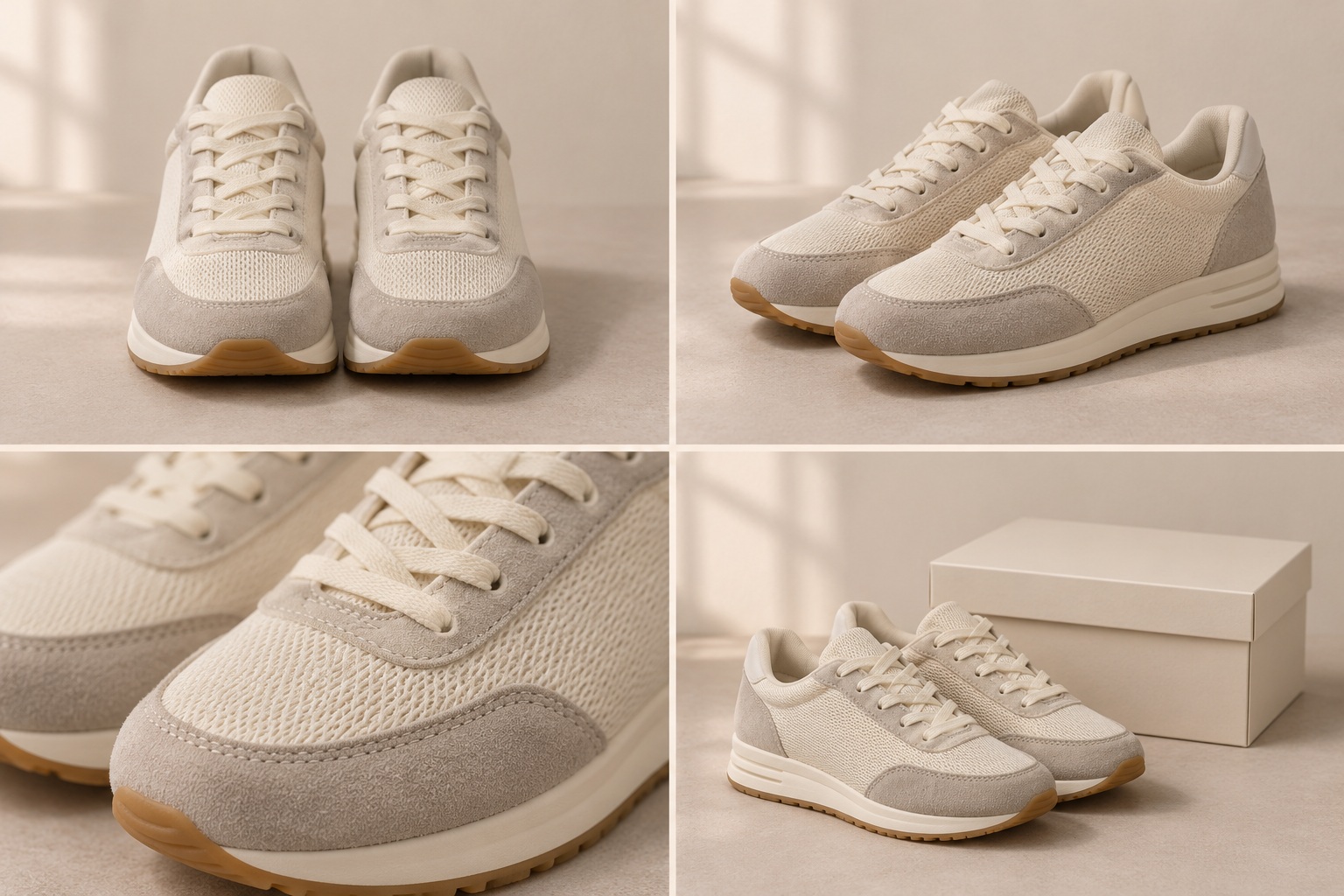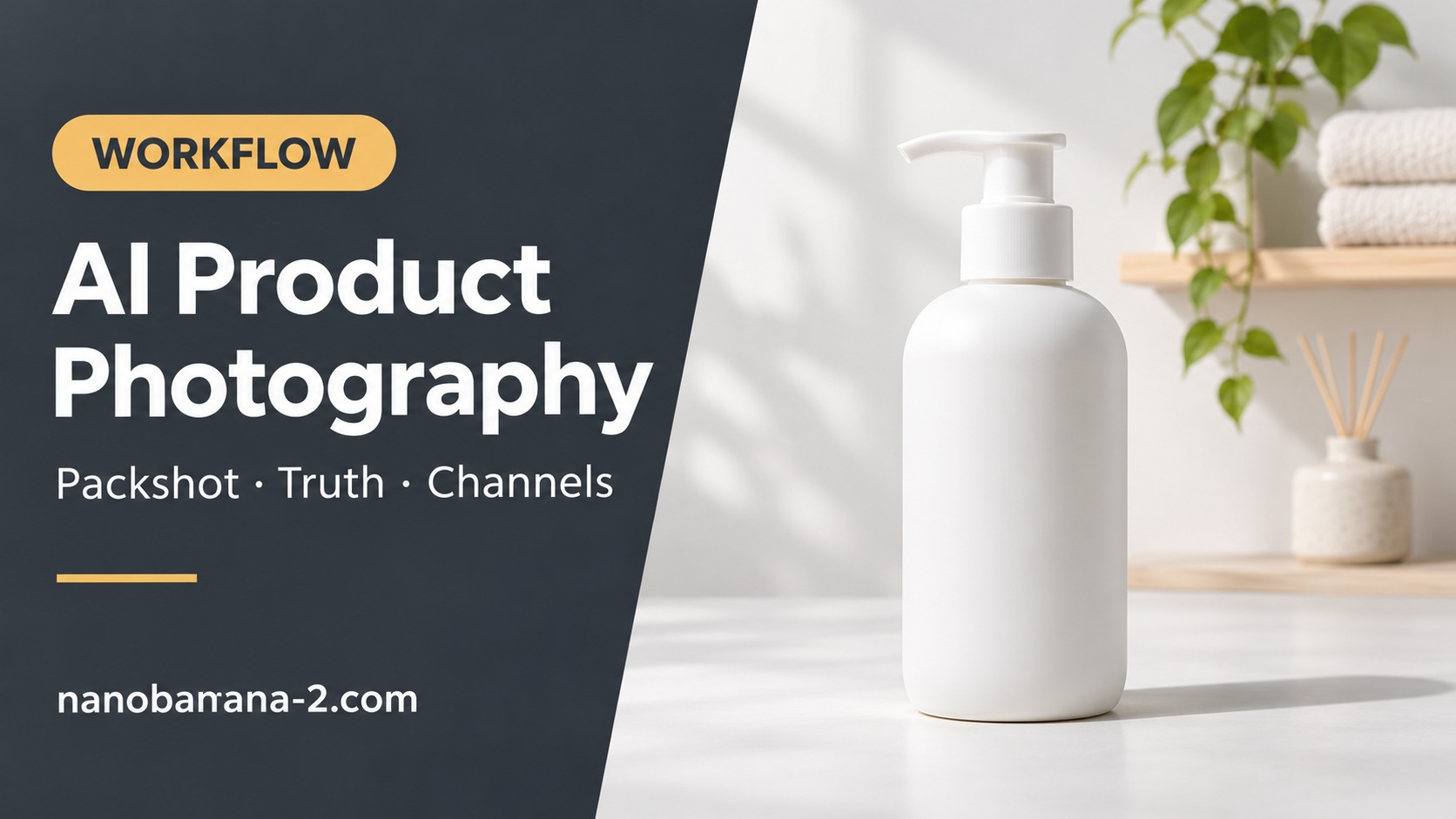
Nano Banana 2.1で商品画像を作るときは、商品ページに必要なカットから決めます。背景や光は変えられますが、商品そのものの色、形、付属品、ラベルは実物に合わせます。
掲載場所からカットを選ぶ
メイン画像は輪郭が分かる無地の背景にします。詳細ページなら利用場面、広告なら見出しの余白が重要です。サイズの証明、透明ガラスや細い装飾、表示義務のある文字が関わる場合は実写か厳密な確認を優先します。
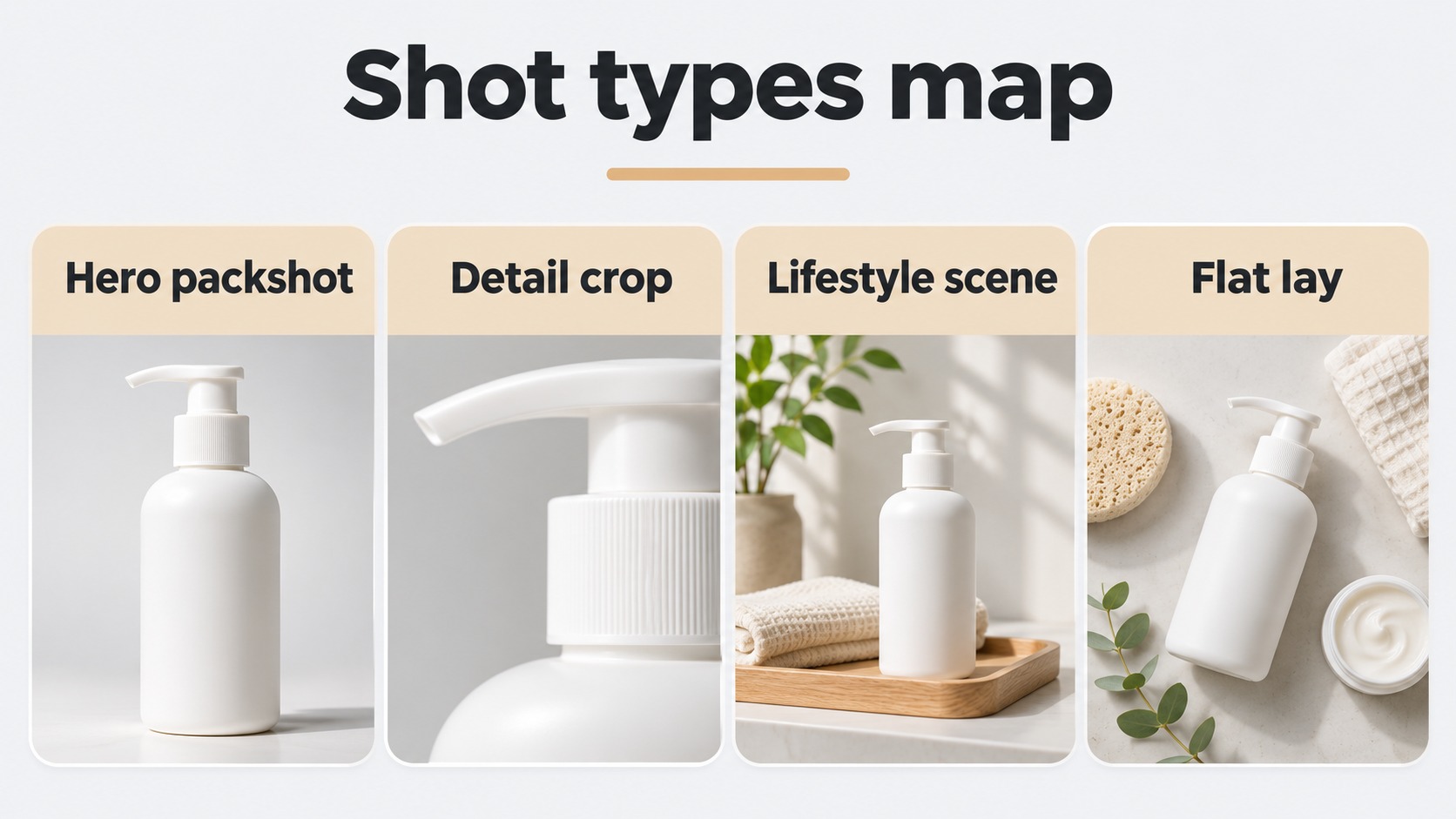
Studio product photograph of [PRODUCT: matte black wireless earbuds case] on a seamless white sweep.
Three-quarter view about 30 degrees, soft shadow under the product, even softbox light from camera left.
Exact shape and hinge from the reference; no props; no people; no extra logos.
Aspect ratio 1:1.
商品の事実と演出を分ける
色、素材、寸法、端子、同梱物、表記が見える参照写真を使います。背景、照明、トリミングは別々に変えます。100%表示で輪郭と接地影を確認し、ラベルの文字を実物と照合します。形自体が違うなら、分かりやすい参照から作り直します。
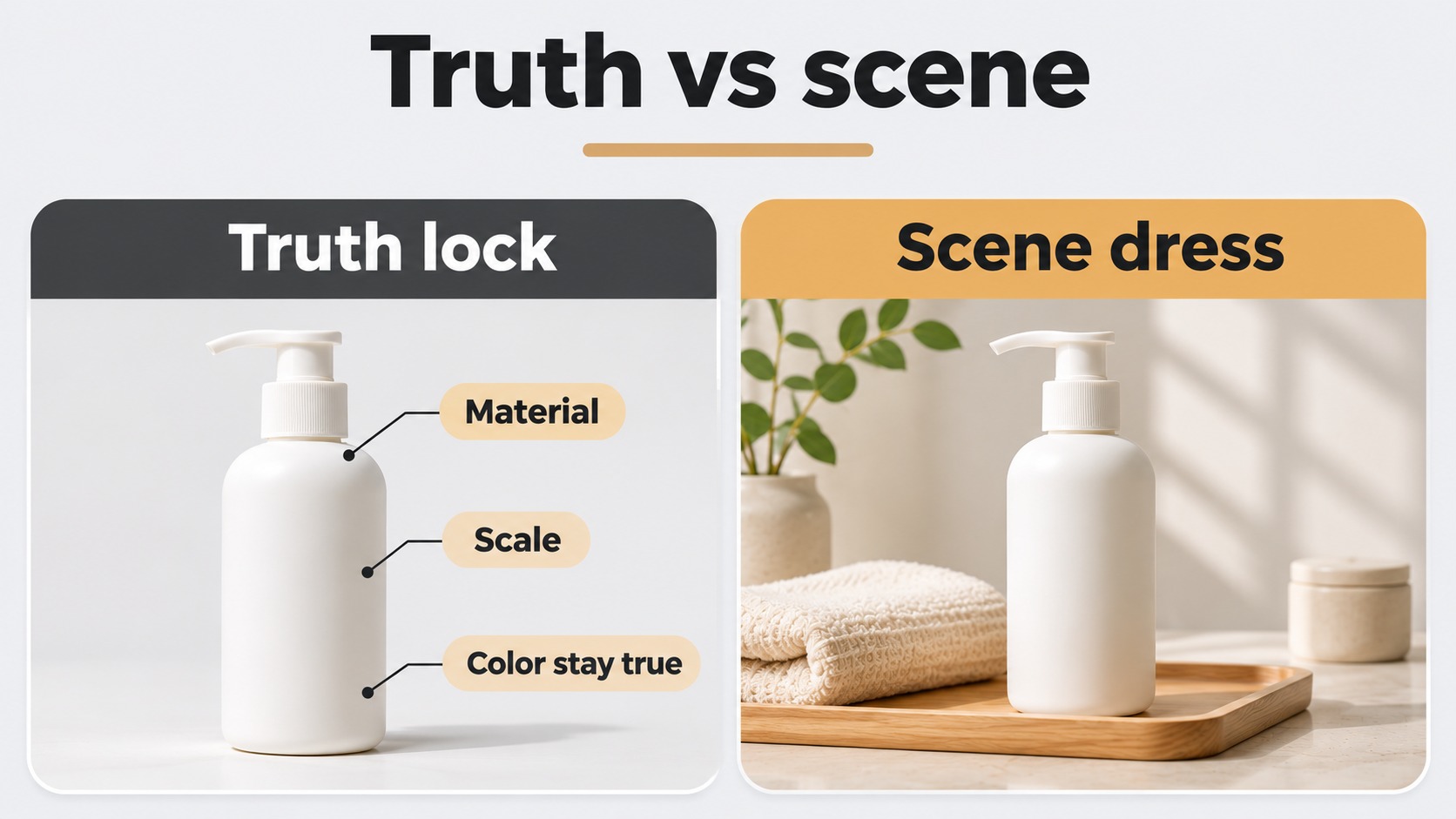
Keep the product geometry, colorway, and label exactly as in reference A.
Place it on a sunlit oak kitchen counter beside a ceramic mug; morning window light from the left.
Natural contact shadow; shallow depth of field; no new accessories that imply included parts.
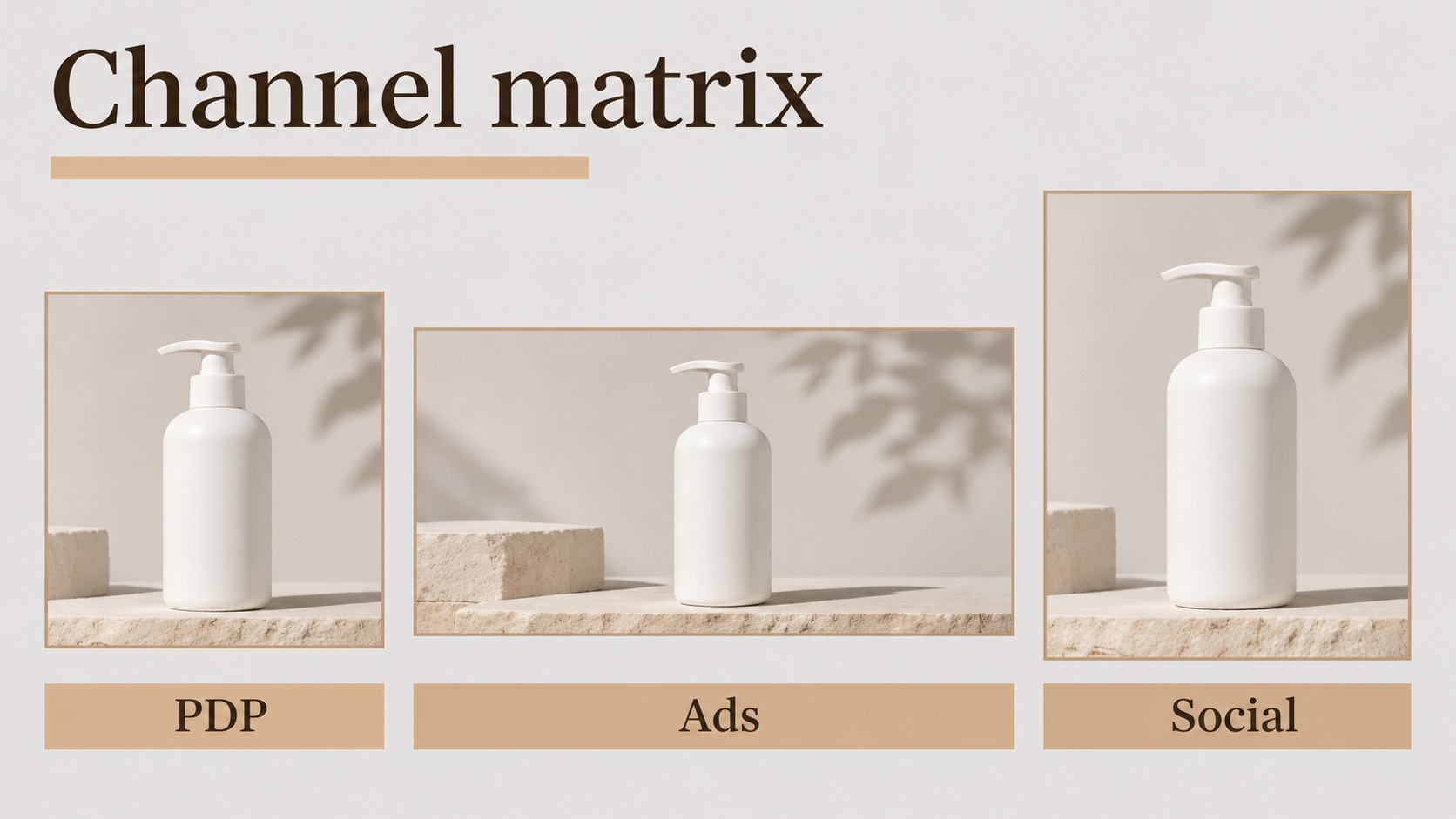
Aspect ratio 4:5.
先に試作を採用してから解像度を上げる
商品ページ、モール、広告で縦横比や背景を決めます。低い解像度で構図を確認してから2Kや4Kを選びます。細字と質感が重要ならProも候補です。実際に使える画像1枚あたりの費用を比べてください。
Macro product crop of the brushed aluminum lid texture from the reference.
Soft rim light, visible grain, no dust plates, no warped edges.
Keep engraving text exactly: "[ENGRAVING]". Aspect ratio 1:1.
コピー用プロンプト · 4
Same product hero as reference; change only the set to a winter window ledge with soft bokeh lights.
Do not alter product color, size cues, or packaging claims. Aspect ratio 9:16 for stories.