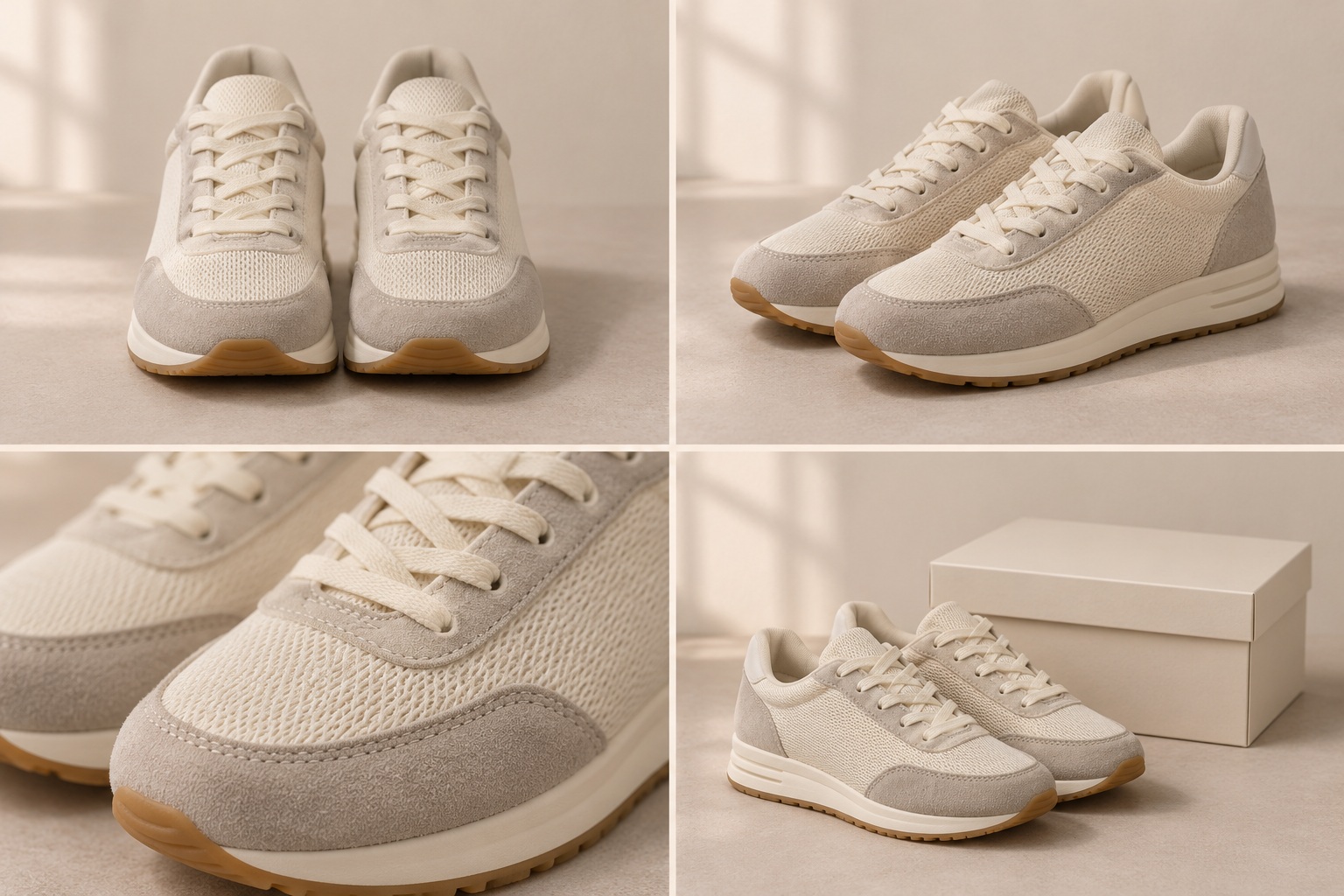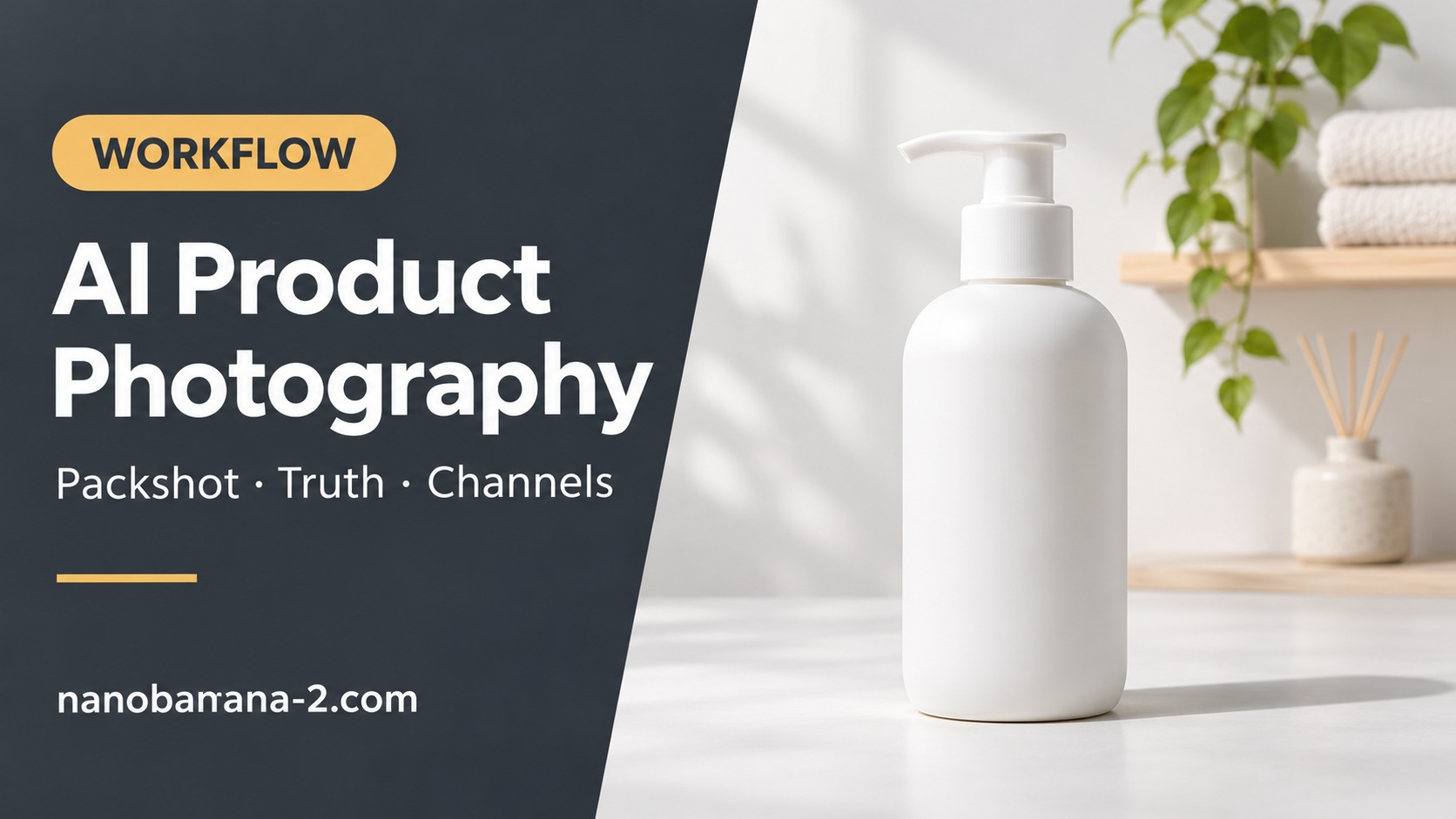
用 Nano Banana 2.1 做电商商品摄影,先确定每张图为谁服务。主图让人迅速认出 SKU,场景可以生成,但形状、材质和包装文案要跟实物一致。
主图和素材图怎么分
平台主图优先选轮廓清楚、背景中性的实物图或严控后的生成图。详情相册适合生活场景,广告图可以留位置给标题。透明材料、珠宝细件、尺寸证明和产品认证,优先实拍或逐项验收。
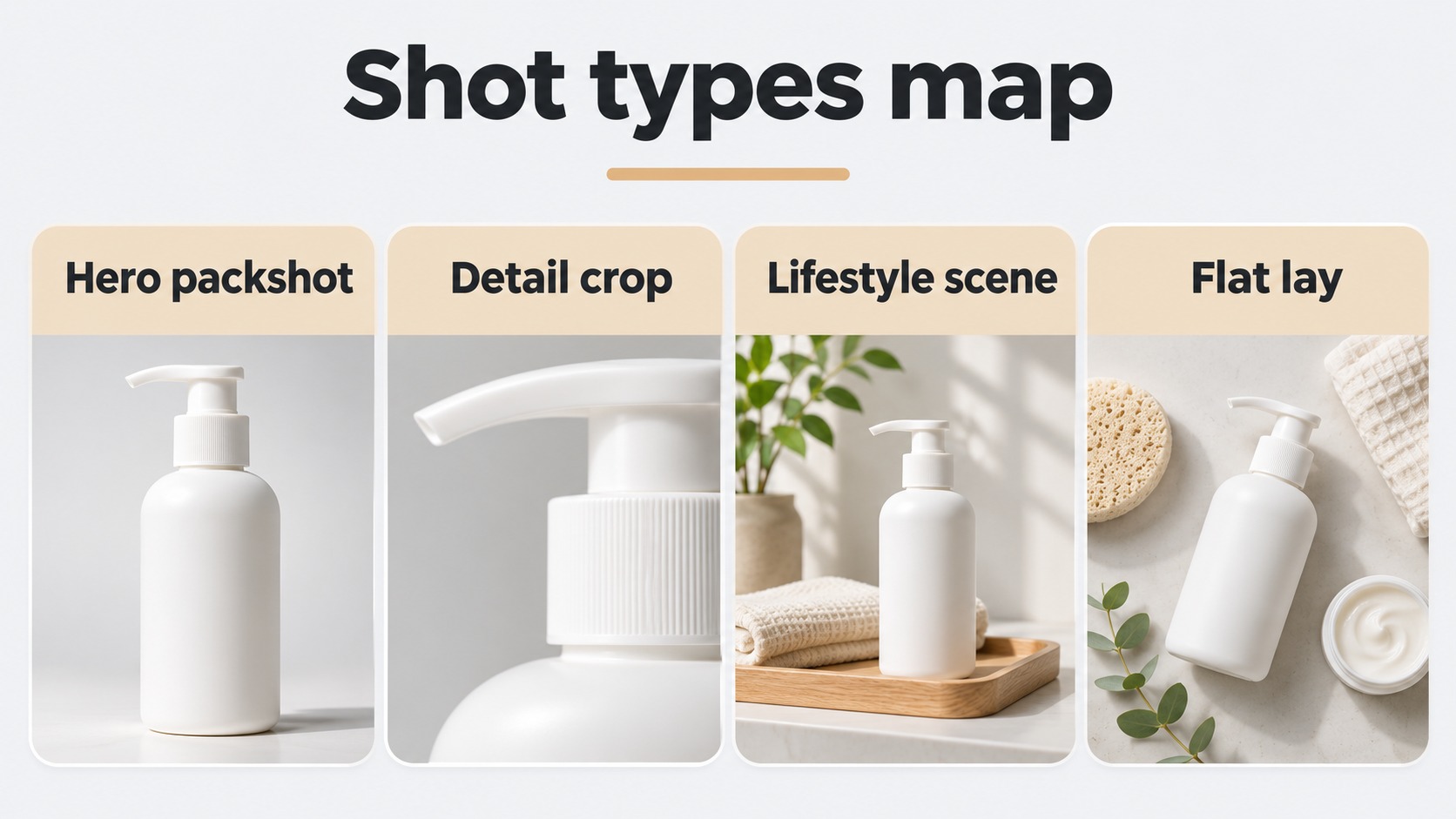
Studio product photograph of [PRODUCT: matte black wireless earbuds case] on a seamless white sweep.
Three-quarter view about 30 degrees, soft shadow under the product, even softbox light from camera left.
Exact shape and hinge from the reference; no props; no people; no extra logos.
Aspect ratio 1:1.
把商品信息和场景分开
给工具一张干净的实物参考,在提示词里锁住尺寸、颜色、材质、标签和随箱物件。让 AI 改背景、布光和裁切。放到 100% 看标签字、边缘和落地阴影。形状已经错了,就从更清楚的参考重做。
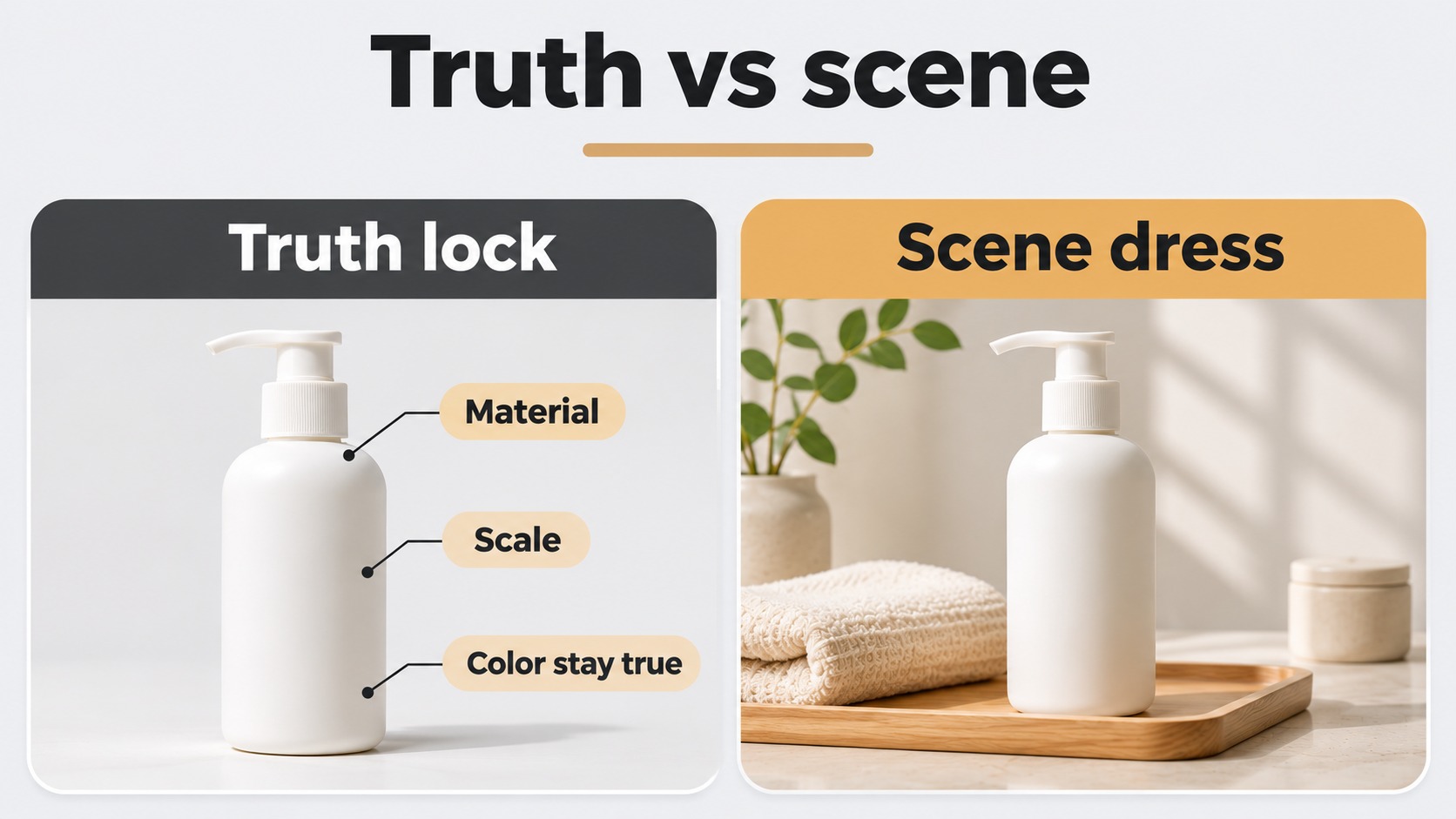
Keep the product geometry, colorway, and label exactly as in reference A.
Place it on a sunlit oak kitchen counter beside a ceramic mug; morning window light from the left.
Natural contact shadow; shallow depth of field; no new accessories that imply included parts.
Aspect ratio 4:5.
按渠道交图,按可用图算账
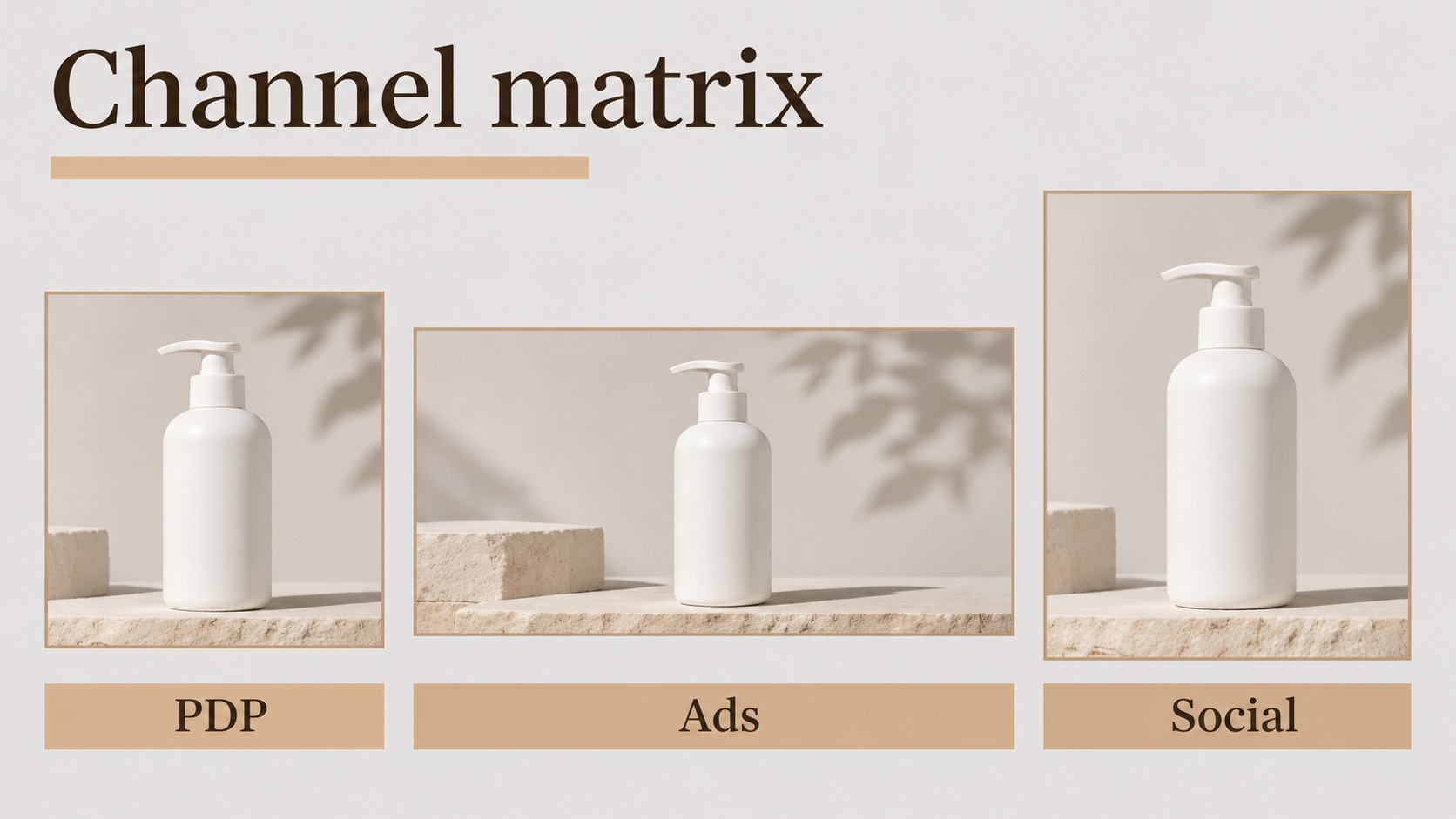
提前定平台、画幅和主图背景。先确认构图,再升到 2K 或 4K。遇到包装小字或主视觉质感瓶颈,可以把同一任务交给 Pro 对照。把未采用的尝试也算进去,再看单张可用图的成本。
Macro product crop of the brushed aluminum lid texture from the reference.
Soft rim light, visible grain, no dust plates, no warped edges.
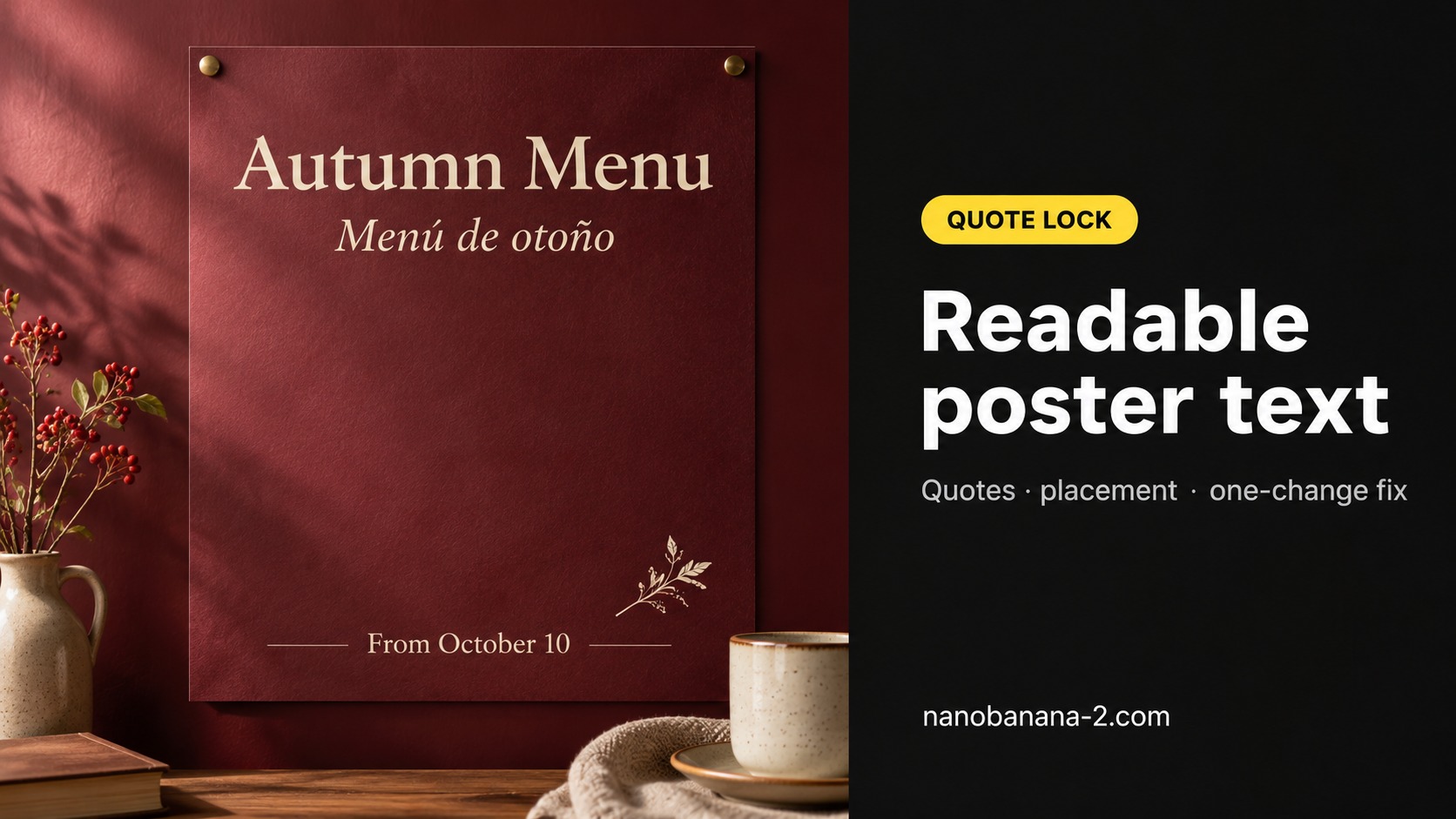
Keep engraving text exactly: "[ENGRAVING]". Aspect ratio 1:1.
可复制提示词 · 4
Same product hero as reference; change only the set to a winter window ledge with soft bokeh lights.
Do not alter product color, size cues, or packaging claims. Aspect ratio 9:16 for stories.