
Quick take: Treat AI product photography as a shot-list decision, not a magic studio replacement. On nanobanana-2.com, lock SKU truth first, then generate packshots, lifestyle scenes, and detail crops with Nano Banana 2.1 inside the AI image generator. Keep geometry, color, and labels honest; let AI change scene, light, and crop. Step to Nano Banana Pro only when hero fidelity or dense packaging type is the gap. Confirm spend on pricing.
Merchants searching ai product photography often land between two extremes: “replace the studio tomorrow” and “never trust a synthetic pixel.” The useful middle is selection—which ecommerce shot types AI should own, which still need a real capture, and how to brief Nano Banana 2.1 so the SKU stays recognizable. This page is a use-case / decision guide for stills on this site. It is not a full marketplace legal manual and not a rival-tool ranking.
If the physical product itself is wrong in the frame, no lifestyle background will save the listing. Fix product truth before you scale variants.
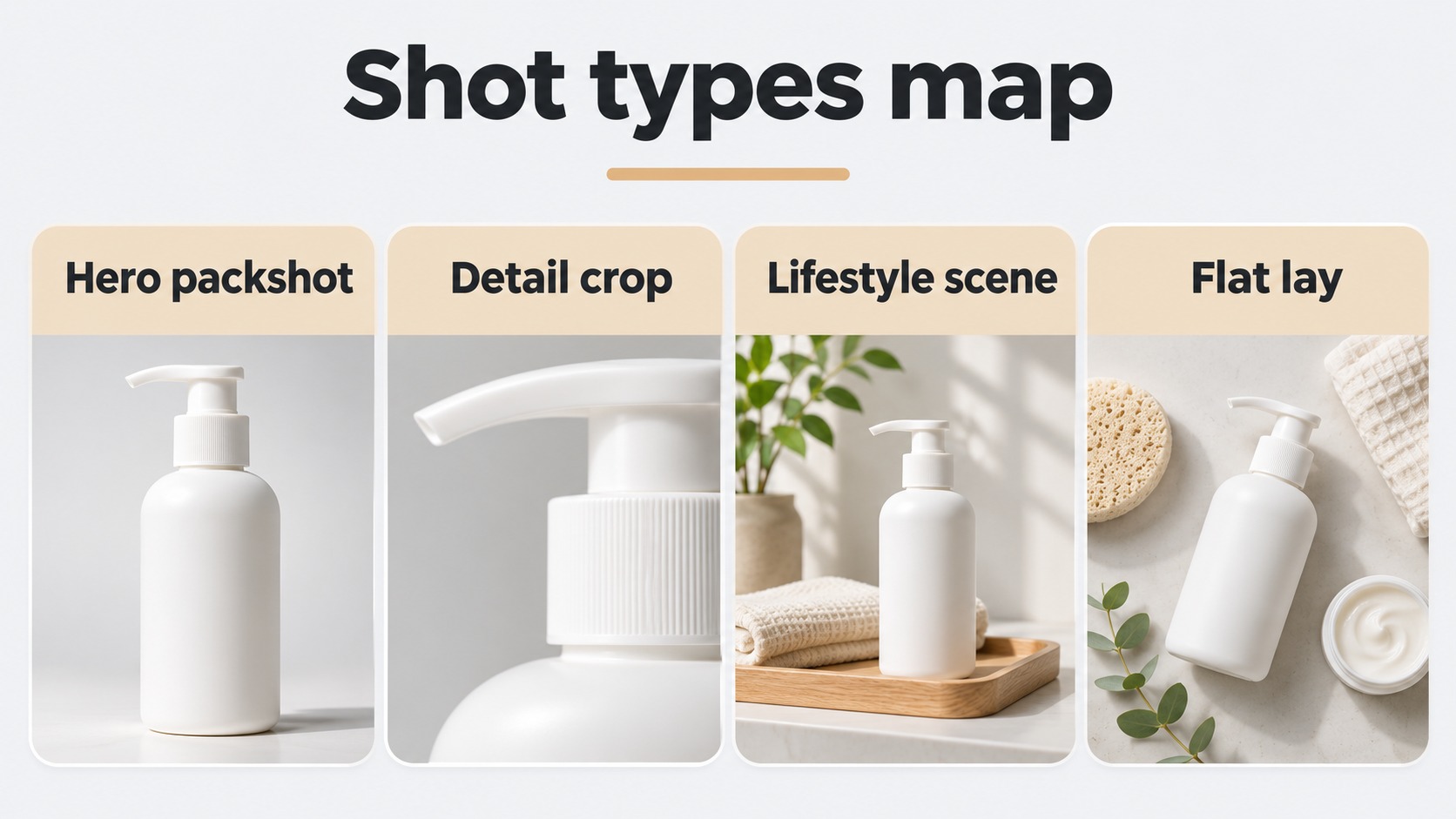
Shot Types Ecommerce Teams Actually Need
Start from the PDP / ad shot list, not from a single pretty demo. Most catalogs need a small set of recurring jobs.
Core shot types (pick the job before the prompt)
| Shot type | Buyer job | AI fit on this site | Notes |
|---|---|---|---|
| Neutral packshot | Recognize the SKU fast | Strong with a clear product reference | White / soft studio; honest silhouette |
| Lifestyle / in-context | Imagine ownership | Strong when product lock is stable | Change room/season; keep SKU true |
| Detail / material crop | Trust texture & finish | Medium–strong; inspect at 100% | Fabric, glass, metal need harsh review |
| Scale / in-hand cue | Guess size | Use carefully | Prefer real scale evidence when returns risk is high |
| Variant colorway | Compare options | Strong once hero geometry locks | Change colorway only; freeze shape |
| Ad / seasonal crop | Hook in feed | Strong for secondary creatives | Do not invent claims on-pack |
Spec checklist before you generate
| Spec | Ask | Soft fail → |
|---|---|---|
| SKU truth pack | Do you have a clean reference of shape, label, and color? | Photograph or pull a trusted packshot first |
| Immutable list | What must never change (dims, parts, claims)? | Write it into the keep list |
| Channel | Marketplace main, Shopify PDP, or paid social? | Match ratio and background rules per channel |
| Resolution stage | Exploring or final hero? | Explore modest; raise to 2K/4K when framing holds |
| Model tier | Everyday catalog vs print-level hero? | 2.1 first; Pro for fidelity |
Open the work in the AI image generator or the 2.1 entry. Product framing lives on Nano Banana 2.1.
Product Truth vs Scene Generation
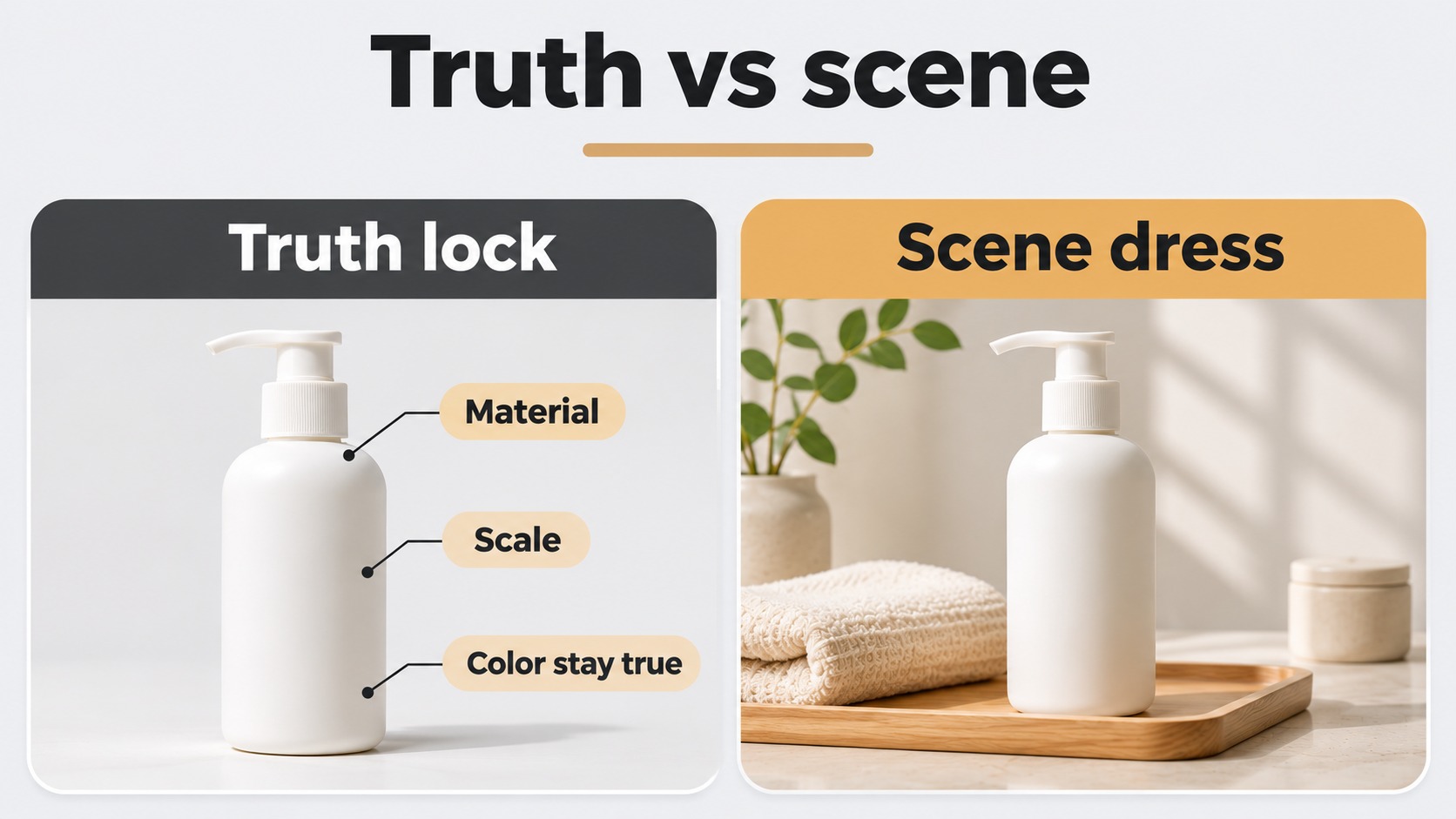
The non-negotiable rule for ecommerce: the physical SKU is ground truth. AI may restyle the world around it; it must not quietly change what the buyer will receive.
Let AI change
- Background, season, and set dressing
- Soft lighting direction and contact shadows (within believable bounds)
- Aspect ratio and safe crop for each channel
- Secondary lifestyle stories that do not alter the sold item
Do not let AI invent
- Different dimensions, missing parts, or extra accessories in the box
- Altered label claims, certifications, or on-pack legal text
- Material behavior that misleads (sheer fabric looking opaque, plastic looking as metal)
- “Scale proof” that implies a size you cannot ship
Truth vs scene matrix
| Asset role | Prefer | Why |
|---|---|---|
| Marketplace main image in strict categories | Real packshot or tightly controlled AI with white/neutral rules | Trust + policy risk |
| PDP gallery lifestyle | AI scene around a locked product ref | Volume without reshoots |
| Seasonal ads | AI variants from one approved hero | Fast iteration |
| Transparent glass / fine jewelry / regulated claims | Studio or heavy human QA | Failure modes are expensive |
| Colorway matrix | AI after geometry lock | Keep shape; change finish only |
When to regenerate vs edit
| Situation | Prefer |
|---|---|
| Wrong silhouette or label | New generate with a better product reference |
| Right SKU, wrong room | Plain-English scene swap on the locked still |
| Right SKU + scene, soft hero detail | Same brief on Nano Banana Pro |
| Brief still vague | Rewrite subject + light + keep list before spending |
Review every candidate at 100% against the truth pack before it touches a live PDP.
Channel Fit Matrix and Copy-Ready Briefs
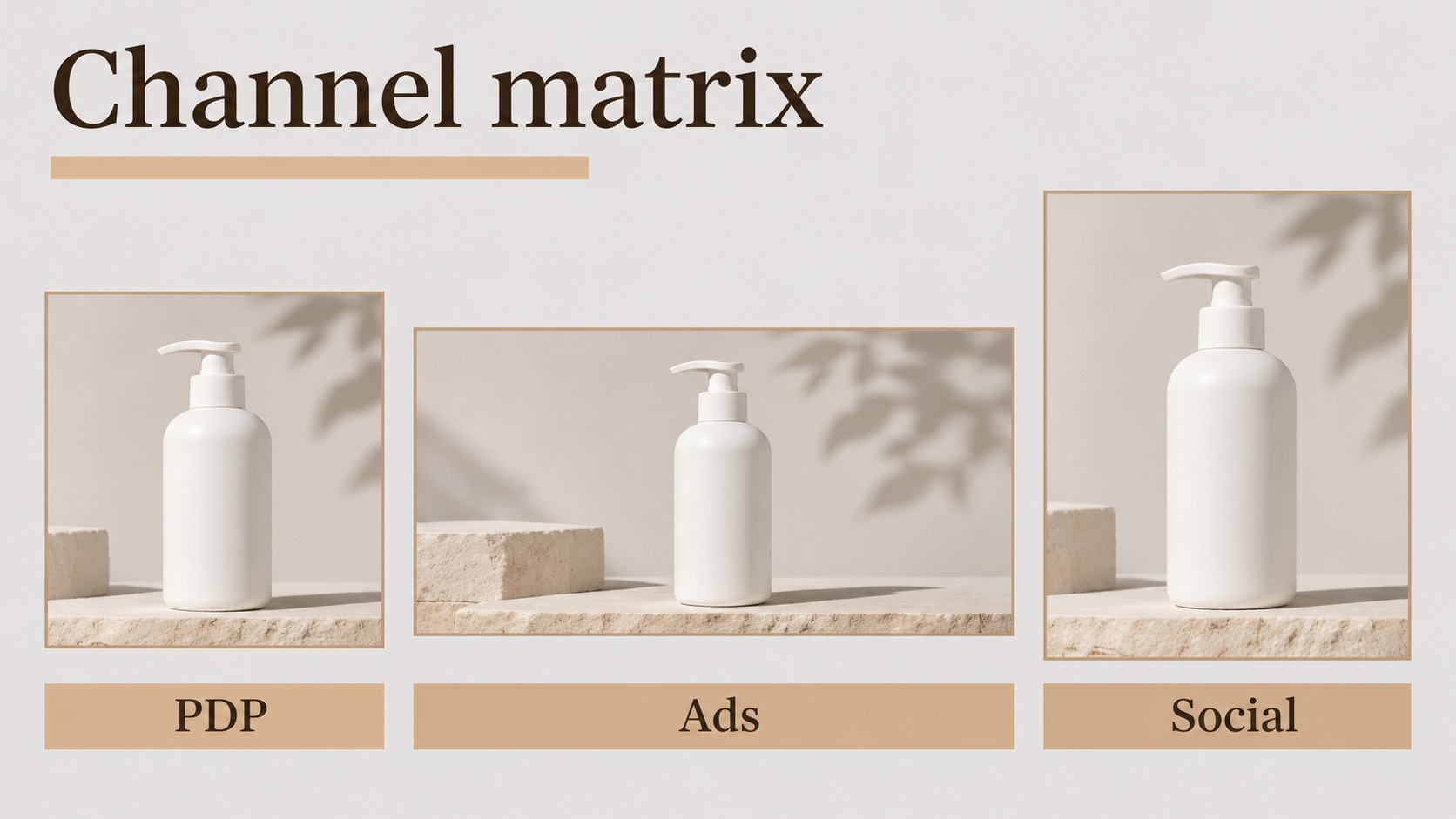
Use the matrix to pick a channel route, then paste a brief into the AI image generator. Always re-check the credit estimate and pricing.
Channel → fit matrix
| Channel need | Ratio start | Background | Model bias |
|---|---|---|---|
| Clean marketplace-style packshot | 1:1 | White / soft neutral | 2.1 |
| Shopify / brand PDP hero | 4:5 or 1:1 | Soft studio or light lifestyle | 2.1 → Pro if hero |
| Story / Reels still | 9:16 | Bold lifestyle; safe margins | 2.1 for volume |
| Wide site banner | 16:9 / wider | Continuous set; subject off crop edges | 2.1; inspect seams |
| Detail crop for materials | 1:1 tight | Minimal distraction | 2.1; Pro if texture fails |
Copy-ready briefs
A — Neutral packshot
Studio product photograph of [PRODUCT: matte black wireless earbuds case] on a seamless white sweep.
Three-quarter view about 30 degrees, soft shadow under the product, even softbox light from camera left.
Exact shape and hinge from the reference; no props; no people; no extra logos.
Aspect ratio 1:1.
B — Lifestyle scene (SKU locked)
Keep the product geometry, colorway, and label exactly as in reference A.
Place it on a sunlit oak kitchen counter beside a ceramic mug; morning window light from the left.
Natural contact shadow; shallow depth of field; no new accessories that imply included parts.
Aspect ratio 4:5.
C — Detail / material crop
Macro product crop of the brushed aluminum lid texture from the reference.
Soft rim light, visible grain, no dust plates, no warped edges.
Keep engraving text exactly: "[ENGRAVING]". Aspect ratio 1:1.
D — Seasonal ad variant
Same product hero as reference; change only the set to a winter window ledge with soft bokeh lights.
Do not alter product color, size cues, or packaging claims. Aspect ratio 9:16 for stories.
Credit habit for catalog work
- Build or shoot a truth pack per SKU.
- Generate one packshot + one lifestyle sample on Nano Banana 2.1; read the estimate.
- QA at 100% against truth.
- Batch colorways / seasons only after the hero locks.
- Promote finals to Nano Banana Pro when the channel will magnify detail; scale volume on pricing.
FAQ: AI Product Photography Decisions
Can AI replace every studio day?
Usually no. Use AI to multiply approved truth—especially lifestyle and seasonal variants—not to invent a different product.
Should marketplace main images always be AI?
Follow each channel’s rules. When policy or return risk is high, prefer a real packshot or tightly controlled white-background still with human QA.
When do I use Pro instead of 2.1?
When the composition is already right and hero fidelity, packaging micro-type, or material realism is the remaining gap—open Nano Banana Pro.
Where do I run these briefs?
The AI image generator, with Nano Banana 2.1 as the everyday default (direct entry).
Where do credits live?
On-screen estimates plus pricing. Do not memorize blog screenshots.
Ready to Brief Your Next Product Still?
Open Nano Banana 2.1, drop a truth reference into the AI image generator (or model=nano-banana-2-1), and generate one packshot plus one lifestyle sample with an explicit keep list. Promote the locked hero on Nano Banana Pro when the channel demands it, and confirm allowance on pricing. Start from nanobanana-2.com if you need the site map first.
Related reading
- Nano Banana 2.1 — product photography called out as a primary use cluster.
- AI Image Generator — workspace for packshots, lifestyle, and edits.
- Nano Banana Pro — finer product detail when 2.1 framing is already approved.
- Nano Banana 2.1 vs GPT Image 2.5 — optional visual comparisons already published on this site.