
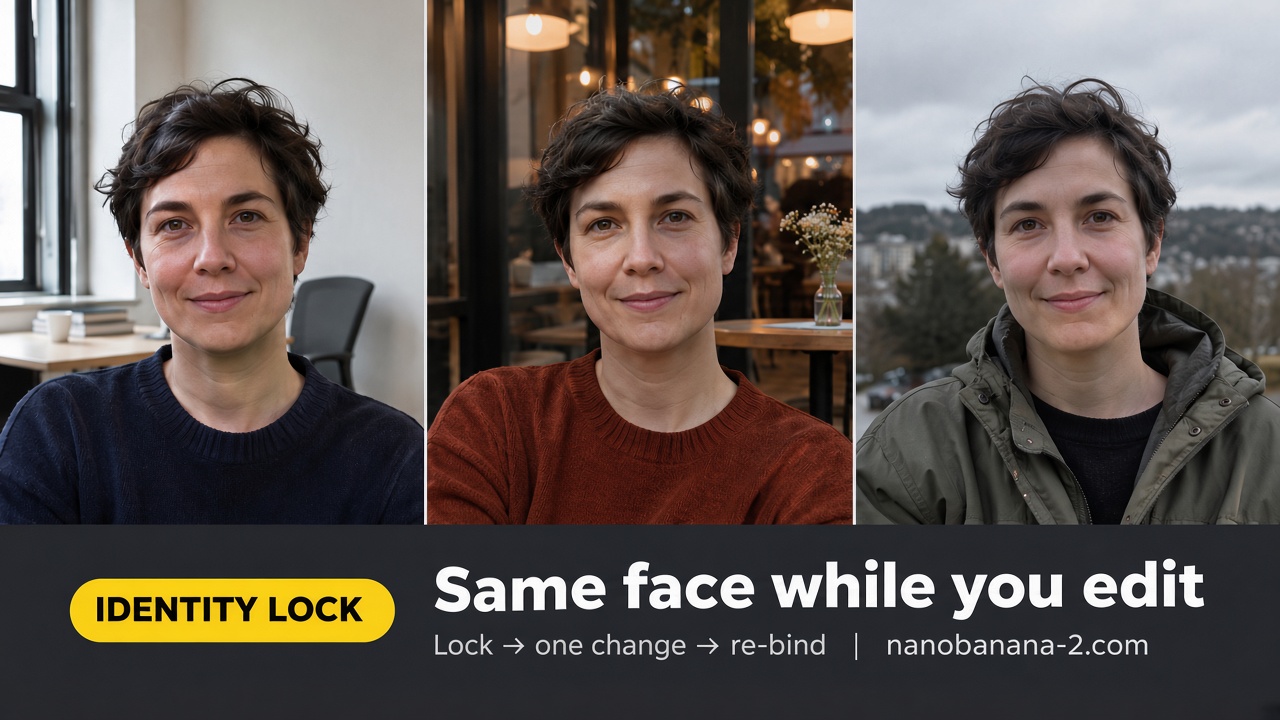
Short answer: Nano Banana character consistency holds when you lead with an identity-lock sentence, change one variable per edit, and—if the face drifts—return to the base still and re-bind the lock. Do not stack outfit + lighting + “beautify” in one pass.
Search intent here is painful and specific: you already have a good face, then the next edit swaps the person. This is a problem page, not a poster-typesetting tutorial. Three moves: identity-lock phrases → one-change rule → multi-ref roles. Public Gemini Image prompting notes stress naming what must stay fixed across edits (see DeepMind’s Gemini Image prompt guide); we keep that habit and drop API-parameter sheets—this page is still-frame edit lock only.
Start Every Edit With an Identity Lock
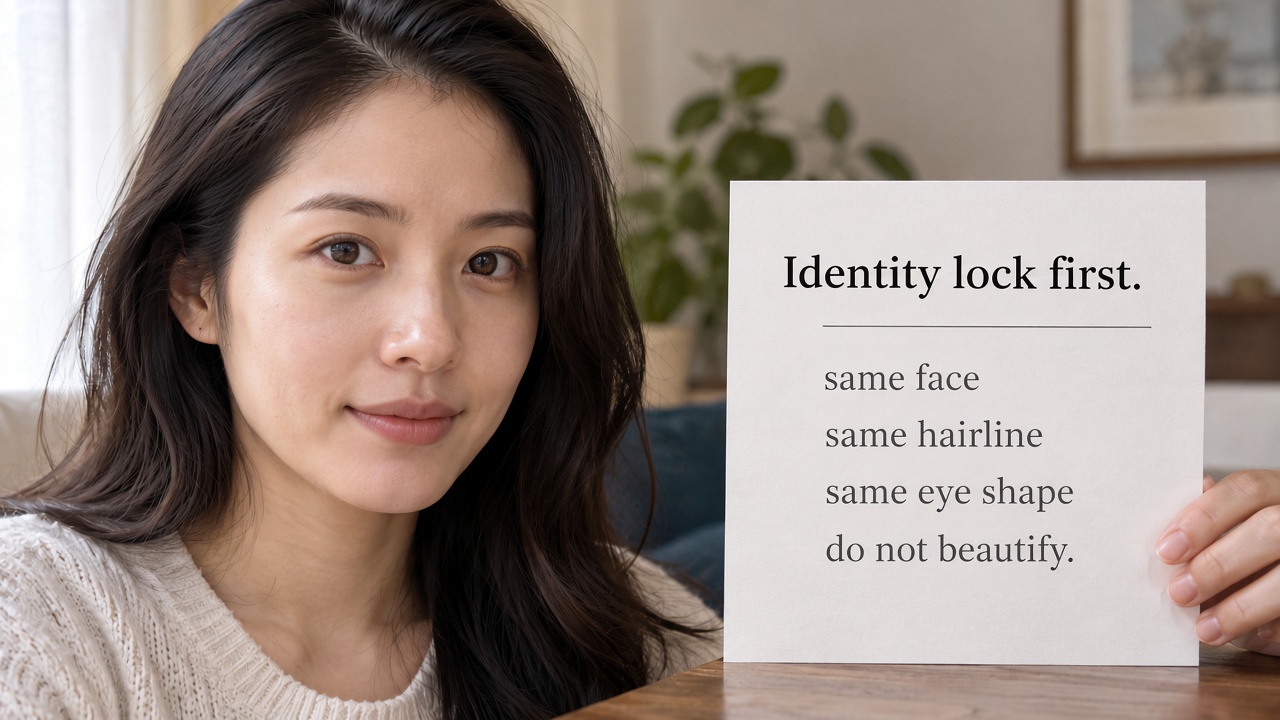
If the first line of the edit does not name who must stay the same, the model treats the pass as a new cast call. Put the lock first—before wardrobe, before background, before mood.
Copy block — identity lock lead
Keep the exact same person as the base image:
same face, same age read,
same hairline, same eye shape.
Identity lock:
do not beautify,
do not age-shift,
do not swap ethnicity cues.
Only change:
[ONE VARIABLE: the jacket color to forest green].
Keep camera distance and crop unless listed.
How to use it
- Generate or pick a base still you already like.
- Paste the lock block as the first lines of the follow-up. Name the person traits you care about (face / hairline / eye shape)—not “keep vibe.”
- Put the single allowed change after the lock. Never bury the lock under five scene adjectives.
- Read the credit estimate, then run. If the face moves, stop stacking adjectives—go back to the base still and re-bind (same lock text).
Phrases that actually hold identity
| Weak | Stronger for character consistency |
|---|---|
| “same vibe / same energy” | “same face, same hairline, same eye shape” |
| “keep the character somehow” | “Identity lock: do not beautify, do not age-shift” |
| “make it better looking” | Delete—beautify fights the lock |
| “also change outfit, city, and lighting” | Split into three edits |
The One-Change Rule (And What Breaks It)
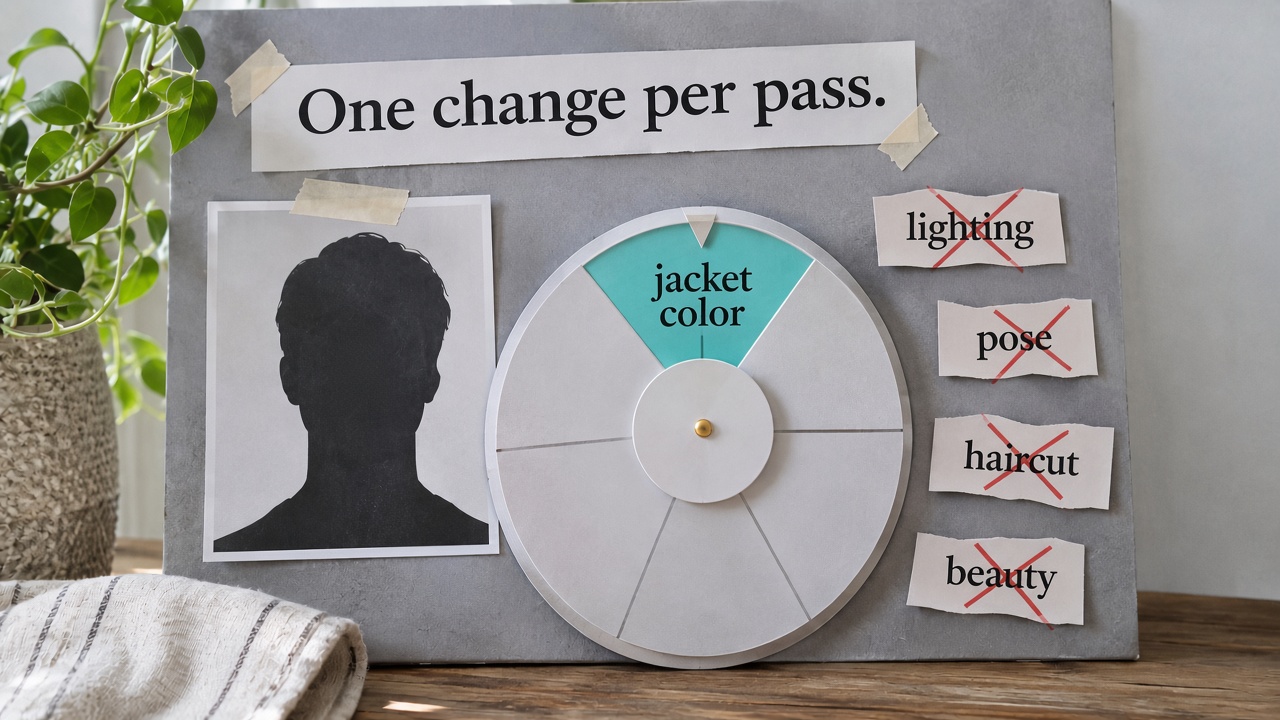
Face drift is usually a list problem: you asked for three “small” changes, so the model renegotiated the whole person. One variable per pass is the cheap path.
Copy block — one-change edit
Change only:
[ONE CHANGE: move from daylight office
to warm evening café window].
Keep exactly the same:
face, hair, age read, outfit,
camera angle, crop framing.
Do not restyle makeup.
Do not invent a new haircut.
Break conditions (stop and reset)
- You listed two or more “only change” items → split the job.
- You changed outfit and lighting and pose in one go → expect a new face.
- You “improved beauty” while locking identity → those goals fight.
- Face already drifted → do not edit the drifted still. Re-open the last good base, paste the identity lock again, apply one change.
Reset protocol when the face floats
- Discard the drifted output as a source of truth.
- Reload the last still where identity was correct.
- Re-paste the identical lock paragraph.
- Re-apply a single change.
- Compare side by side at 100% zoom on eyes and mouth corners—not “overall vibe.”
That reset is how you keep the same face across a short edit chain without burning the whole brief each time.
Multi-Ref Roles When One Image Is Not Enough
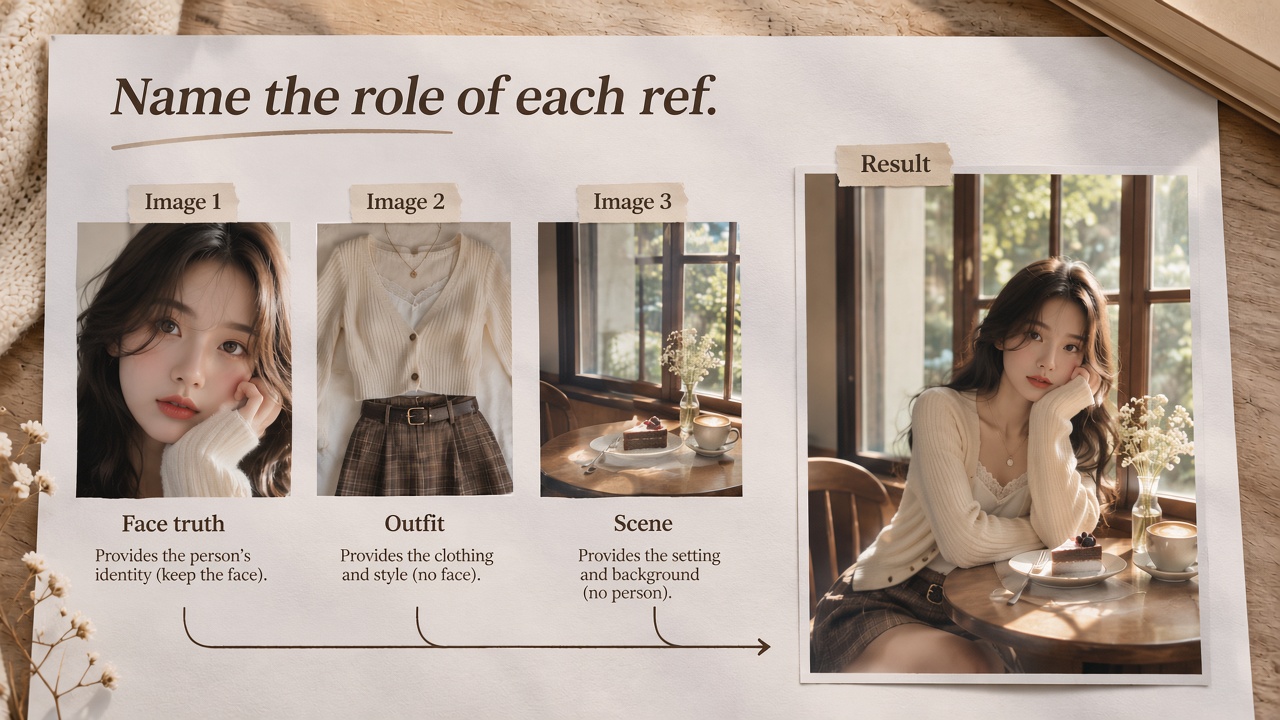
Sometimes a text lock is not enough: you need a face source, an outfit source, and a scene source. Name roles—which image owns which truth—instead of “use all references.”
Copy block — named reference roles
Image 1 = face / identity source of truth
— keep face, hairline, eye shape from image 1.
Image 2 = outfit source
— keep garment cut and color from image 2
— do not take face from image 2.
Image 3 (optional) = scene / lighting mood
— take background and key light from image 3 only.
Keep identity from image 1.
Change only: [ONE ACTION OR PROP].
Do not average faces across images.
Role hygiene
- Say which image owns the face. Vague “blend references” averages features.
- Outfit ref must be forbidden from owning the face.
- Scene ref must be forbidden from owning identity.
- Still obey the one-change rule on top of roles—roles are constraints, not a license to rewrite everything.
Boundary (what this page is not)
- Not an API parameter sheet (“max N characters”).
- Not a video shot-to-shot reference binder—that is a different medium and a different workflow.
- Not the poster text guide—quoted type and spelling fixes live in the sister typesetting article (Related).
- Credits, plans, and model overview stay in Related; this page stays on the lock → one-change → roles loop.
Product CTA
Lead with the identity lock, apply one change, and name ref roles only when a single still cannot carry the truth—open the AI image generator when you are ready to run the next lock pass.
FAQ
The face looks “almost” right—should I keep editing that still?
No. “Almost” is already drift. Return to the last exact base and re-bind the lock.
Can I lock two people in one pass?
Treat each identity as its own lock sentence and, if needed, its own face ref. Do not merge two people into one vague “cast lock.”
Is this the same as locking poster spelling?
No. Spelling locks belong to the text-rendering workflow. Here the asset you protect is the face, not the letterforms.