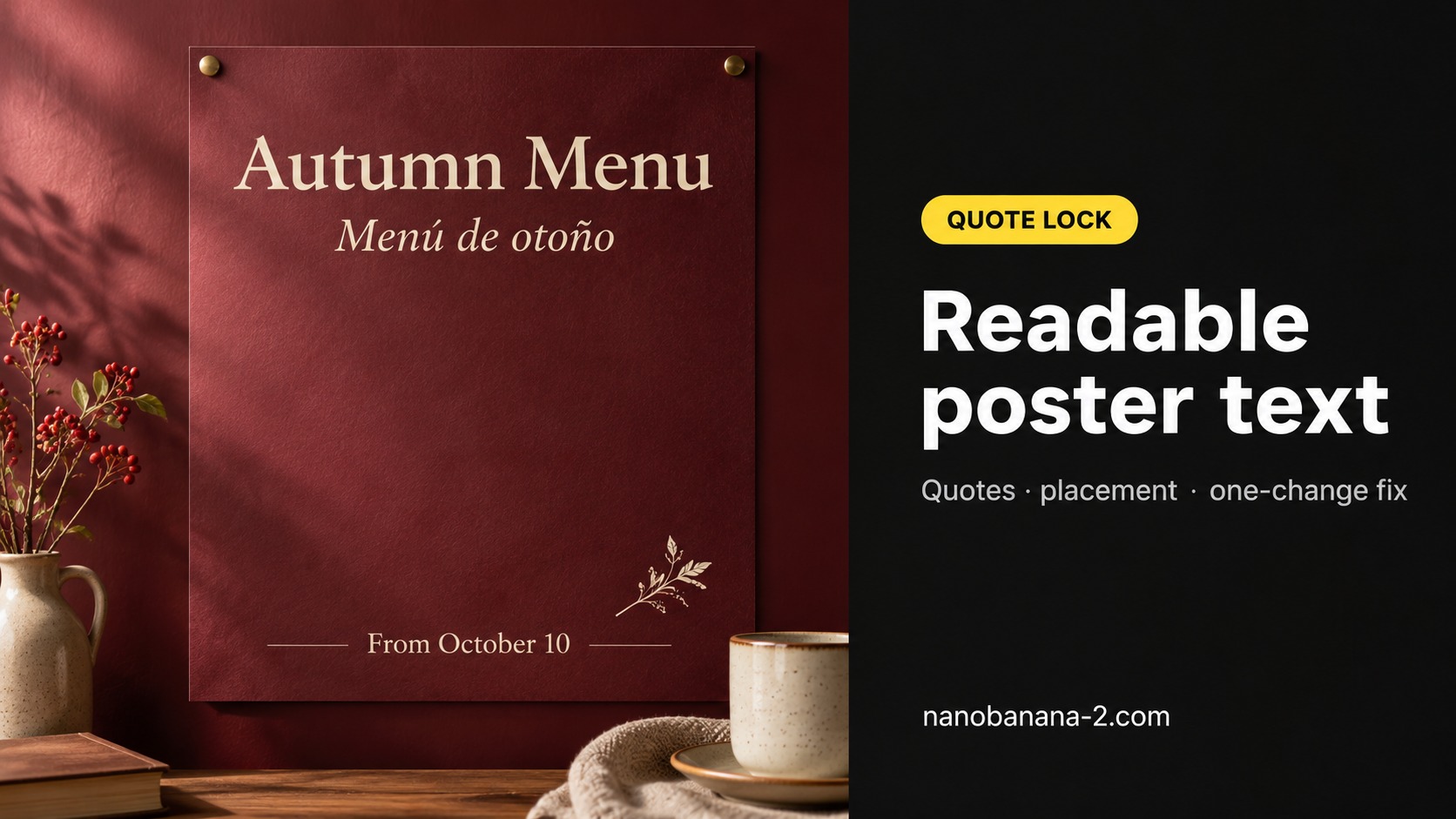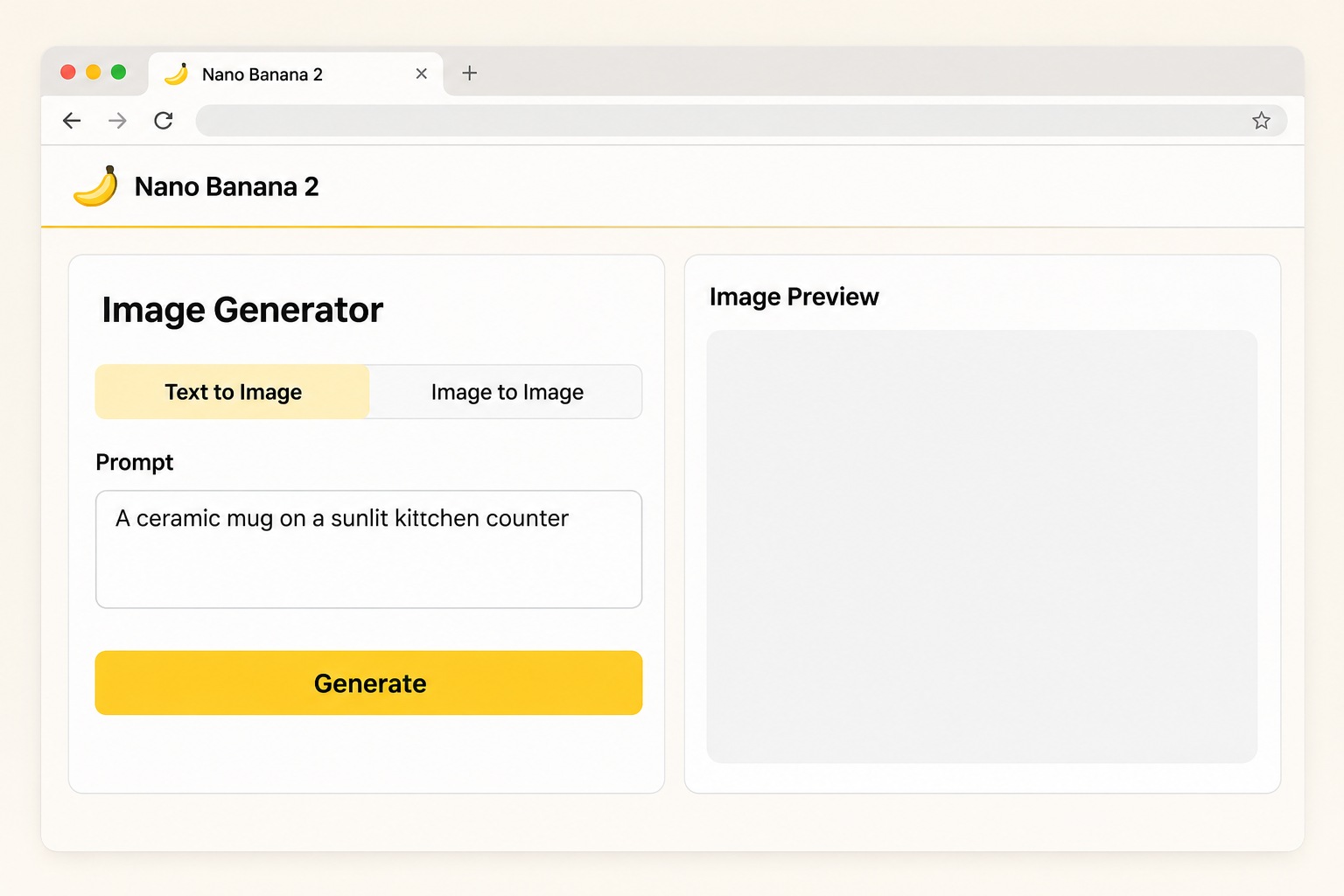
Nano Banana 2 is Google's Gemini 3.1 Flash Image model. On this site it is a browser tool for turning a text prompt into an image, and for editing a picture you already have, without leaving the page. The homepage and the generator describe the same product: a Gemini 3.1 Flash–powered image workflow with output up to 4K, 14 aspect ratios, and search grounding, so a scene or a character can stay recognizable while you change the look. If you arrived here by searching what Nano Banana 2 is, that is the short answer — a current image model you can run in the browser, with credits priced on this site. When you want to try it, open the AI image generator. If you want the plan tiers first, read the Pricing page and then come back to a first generation.
What Nano Banana 2 Can Do on This Site

The public generator and homepage already list what this model is set up to do here. The table below restates those published capabilities in plain language. It is not a lab report, and it does not invent results from tests this article did not run. Use it to decide whether the job you have — a new scene from a prompt, a background change, a cleaner product shot — belongs in this tool before you spend credits.
| What you can do | How this site describes it | Where to run it |
|---|---|---|
| Text to image | Write a description and generate an image in a chosen style. | AI image generator |
| Image-to-image editing | Upload a picture, then use text to change the background, objects, style, or lighting. | AI image generator |
| Virtual try-on | Combine a person and a clothing reference so the garment appears on the model. | AI image generator |
| Remove text or watermarks | Take out type, watermarks, or logos and fill in the area that was covered. | AI image generator |
| Background replace or cutout | Swap the backdrop for a new description, or remove it, including a transparent background. | AI image generator |
| Restore and colorize older photos | Reduce scratches, add color, and recover facial detail on worn pictures. | AI image generator |
| Output size and format | Up to 4K (4096px), 14 aspect ratios, exported as PNG or JPG. | Generator settings |
| Model features already listed on the site | Gemini 3.1 Flash, search grounding, character consistency, and Thinking Mode. | Homepage and generator copy |
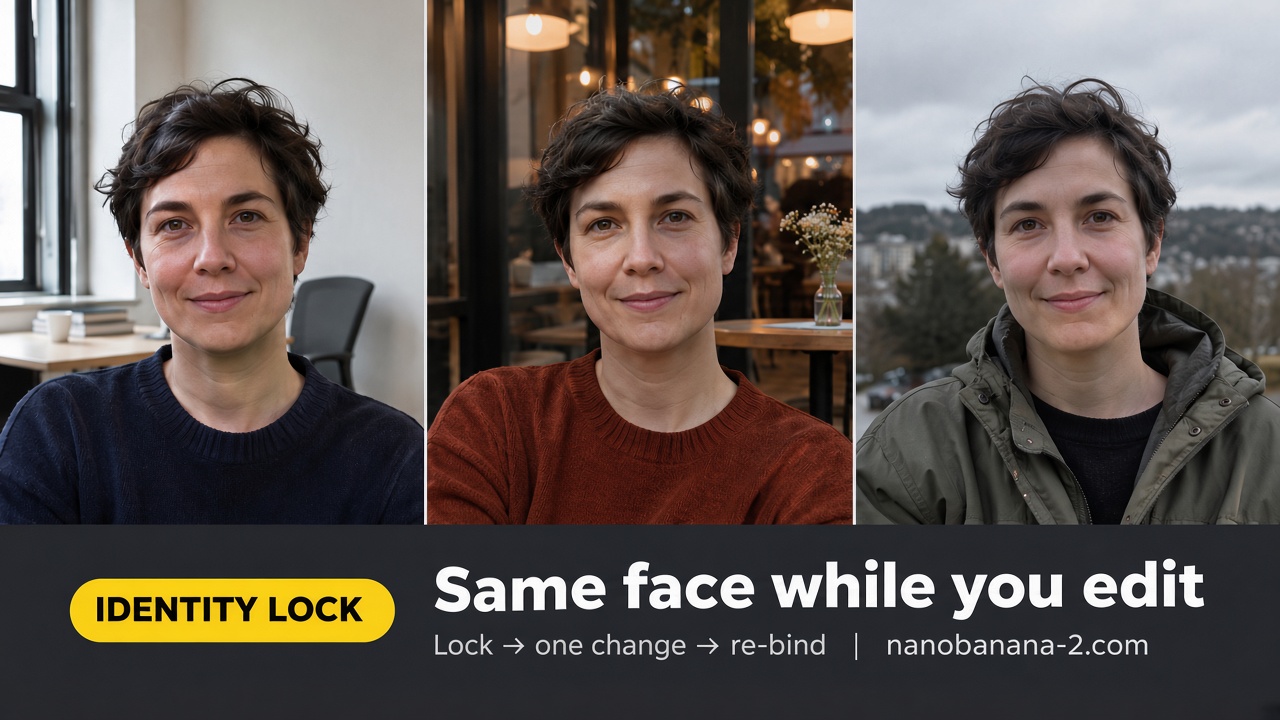
Those items share one work surface. You pick a model and settings, write or refine a prompt, and generate or edit in the same browser flow. Search grounding is there when a prompt needs a fact or a look that should stay tied to a real reference. Character consistency is there when the same face or product has to survive more than one frame. Thinking Mode is listed as a site option for prompts that need a more careful pass, not as a separate product.
Credits are the unit of work. The generator says the cost changes with the model and the settings you pick, so this article does not treat any single credit figure as the price of every job. Before you run a prompt, read the cost and the remaining balance shown on that screen for that generation. Eligible new accounts may receive free credits; treat what the screen shows for your account as the amount that actually applies, and do not count on a marketing line about free 4K output as an unlimited no-cost plan.
Nano Banana 2 Pricing on This Site

Plans and credit packs for this site are published on the Pricing page. The figures below were copied from the main pricing block on that page (the /#pricing section) on 11 November 2026, in US dollars. If the page has changed when you read this, use the live page, not an older snapshot. Paid tiers list the same set of plan perks, including video with sound effects, private generation, basic support, commercial usage rights, and watermark removal. That video perk is a benefit of the plan. Nano Banana 2 itself remains an image model on this site, not a video studio.
The pricing page opens on the yearly tab. Yearly prices are shown as a monthly equivalent, with the amount billed once per year.
| Yearly plan | Listed monthly price | Yearly price | Billed yearly total | Credits |
|---|---|---|---|---|
| Lite | $9.9 | $4.9 /month | $58.8/year billed yearly | 6,000 credits, renew yearly, valid for 1 year |
| Pro | $29 | $14.5 /month | $174/year billed yearly | 24,000 credits, renew yearly, valid for 1 year |
| Max | $89.99 | $45 /month | $539.94/year billed yearly | 60,000 credits, renew yearly, valid for 1 year |
Monthly plans are billed each month and are valid for 30 days.
| Monthly plan | Price | Credits | Term |
|---|---|---|---|
| Lite | $9.9 /month | 500 credits/month | 30 days |
| Pro | $29 /month | 2,000 credits/month | 30 days |
| Max | $89.99 /month | 5,000 credits/month | 30 days |
One-time packs are a single payment. Each pack is valid for 30 days.
| One-time pack | Listed price | Price | Credits |
|---|---|---|---|
| Standard Credits | $38 | $19 | 800 credits |
| Premium Credits | $198 | $99 | 4,000 credits |
| Professional Credits | $400 | $200 | 9,000 credits |
Choose a yearly or monthly plan if you expect to keep generating across a month or a year. Choose a one-time pack if you want a fixed credit bundle without a subscription. In every case, the credit cost of a single image still depends on the model and settings you select, and the amount that matters is the one shown before you confirm the run. The Nano Banana 2 plans page is the source for these numbers; this article does not add unofficial discounts or unpublished tiers.
Generate Your First Nano Banana 2 Image
A first image is enough to test whether the model matches the job you actually have. You do not need a long brief to do that. Open the generator, stay on Nano Banana 2, and give it one concrete task: a room with a named furniture layout, a product on a clean background, or a portrait with a fixed wardrobe. If the result has to follow a real picture, upload that picture first and describe only the change you want, such as a new backdrop or the removal of a typo on a label.
Keep the first prompt narrow. Name the subject, the setting, the lighting, and the aspect ratio, then generate once and look at the frame you got, not at a list of styles you have not tried. If a face, a logo, or a product line has to stay the same in the next frame, say that in the follow-up prompt and reuse the same reference instead of starting a new scene from scratch. If you are editing, change one problem at a time — background, then typography, then color — so you can tell which instruction did the work.
Before you click generate, read the cost and the remaining balance on that screen. That line is the only figure that applies to the run in front of you. If you are on a new account, any free credits you were given will show up there as well. After the image appears, export it as PNG or JPG from the same page, at the size you chose, and only then decide whether a second pass is worth more credits. The point of this first run is not to exhaust the model's options. It is to see whether Nano Banana 2, on this site, can give you a usable still for the brief you already have.
How Nano Banana 2 Relates to 2.1 and Pro
On this site, Nano Banana 2.1 is presented as an update to Nano Banana 2, with the published emphasis on image quality, text, and consistency. That is a lineage note, not a verdict. It tells you why 2.1 exists next to 2. It does not tell you to abandon 2, and this article does not pick a winner or recast the two versions as a head-to-head test.
Nano Banana Pro is listed as a separate model page, not as a higher-priced plan for the same Nano Banana 2 run. If your brief is about plans and credits, stay on the pricing section above. If your brief is about which model name to select in the generator, use the model pages to see how the site currently describes each one, then choose from the job you need to finish: a still from a prompt, a careful edit, tighter on-image text, or a tighter hold on a character.
Keep this page in its own role. It answers what Nano Banana 2 is, what you can run here, and what the published prices are. It is not a comparison shoot, and it is not a review of every later model in the family. Once the definition, the capability table, and the price table are clear, the next useful step is the same one the opening pointed to: generate a first image against the brief you already have, and judge the result on the screen in front of you.