
Prompt guides
Describe what the image needs to do, which part to edit, and what should survive the edit. In a face swap, that might include the expression and the transition at the neck. In a background edit, it might be the product outline and the contact shadow. The tutorials below show how to build those constraints into prompts for portraits, posters, logos, interiors and other jobs. Pick an example close to your own task and change one detail at a time. Save the prompt next to the output. It makes a repeatable workflow easier to build when you come back to edit the image or adapt the job to a new product.
Create an image
Nano Banana Christmas Prompts 2026: 6 Viral Photo Ideas
Skip the plastic mall-Santa AI clichés. Try 6 viral 2026 TikTok & Reddit Christmas ideas—90s flash parties, felt avatars, snow globes, and family merges.
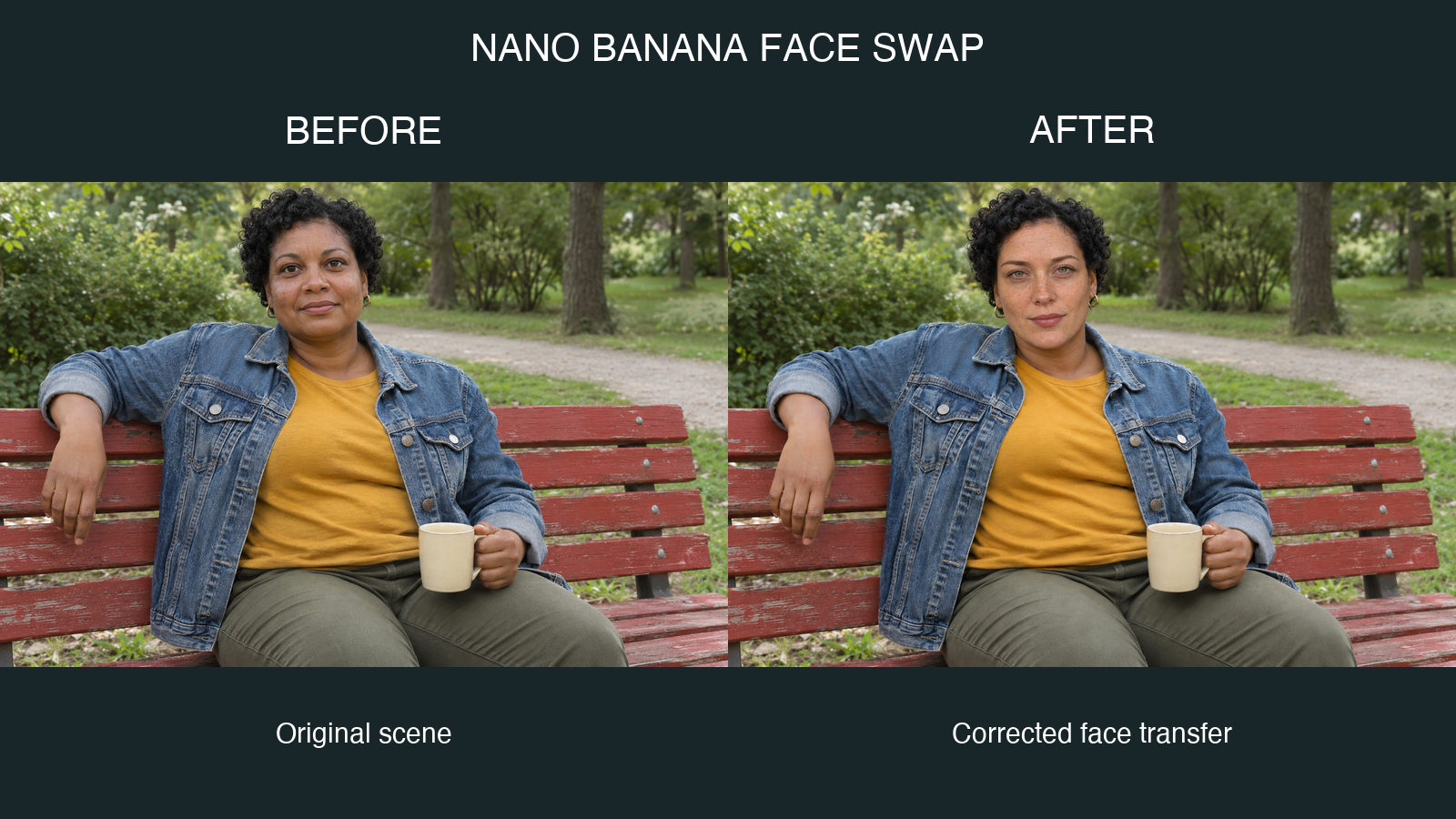
Nano Banana Face Swap: How to Swap Faces in Photos
Swap a face from one photo onto another with Nano Banana. Use a keep-list prompt so clothing, pose, and background stay put, with before-and-after examples and fixes.
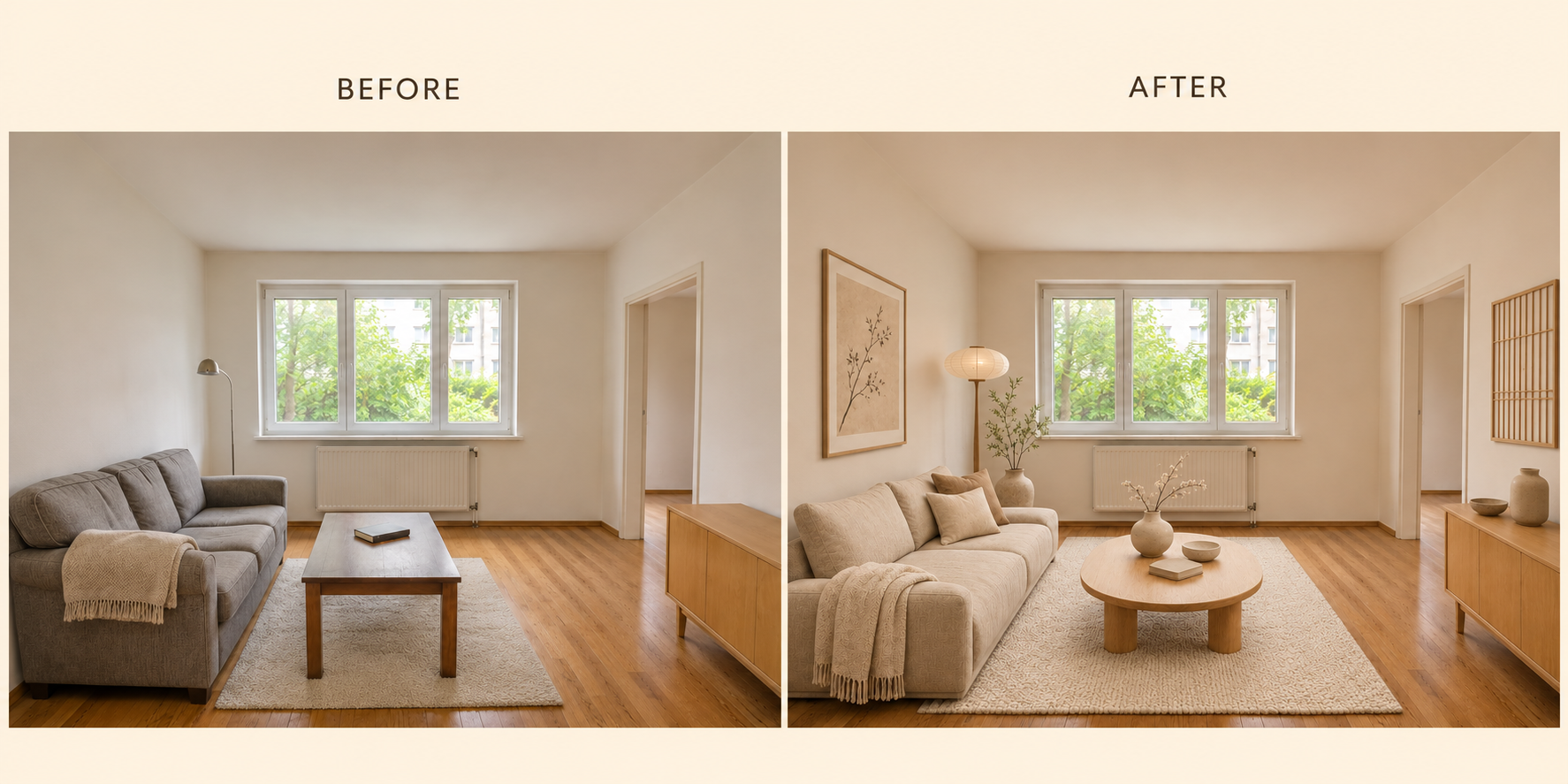
Nano Banana Interior Design: 10 Prompts and Examples
Use Nano Banana to redesign a room from a photo. Copy 10 prompts for furniture, paint, textiles, and lighting, with layout checks and visual examples.
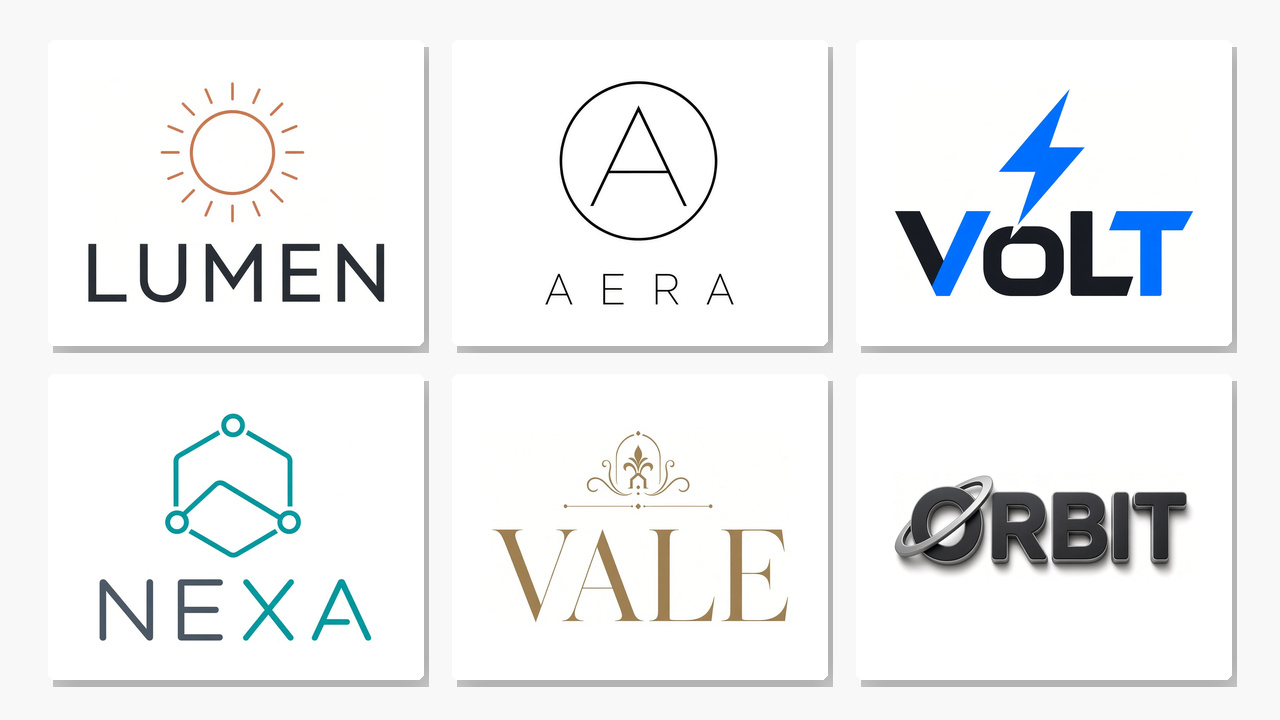
How to Create a Logo with Nano Banana: 10 Prompts and Design Examples
You can create a logo with Nano Banana in the on-site generator by writing a short brief — name in quotes, style, two or three colors, and a white background — then picking from a…

Nano Banana Background Replace: One Change at a Time
Quick answer: For Nano Banana background replace, change only the background—lock face, pose, and wardrobe first. If light or edges fail, relock the subject and retry one variable…
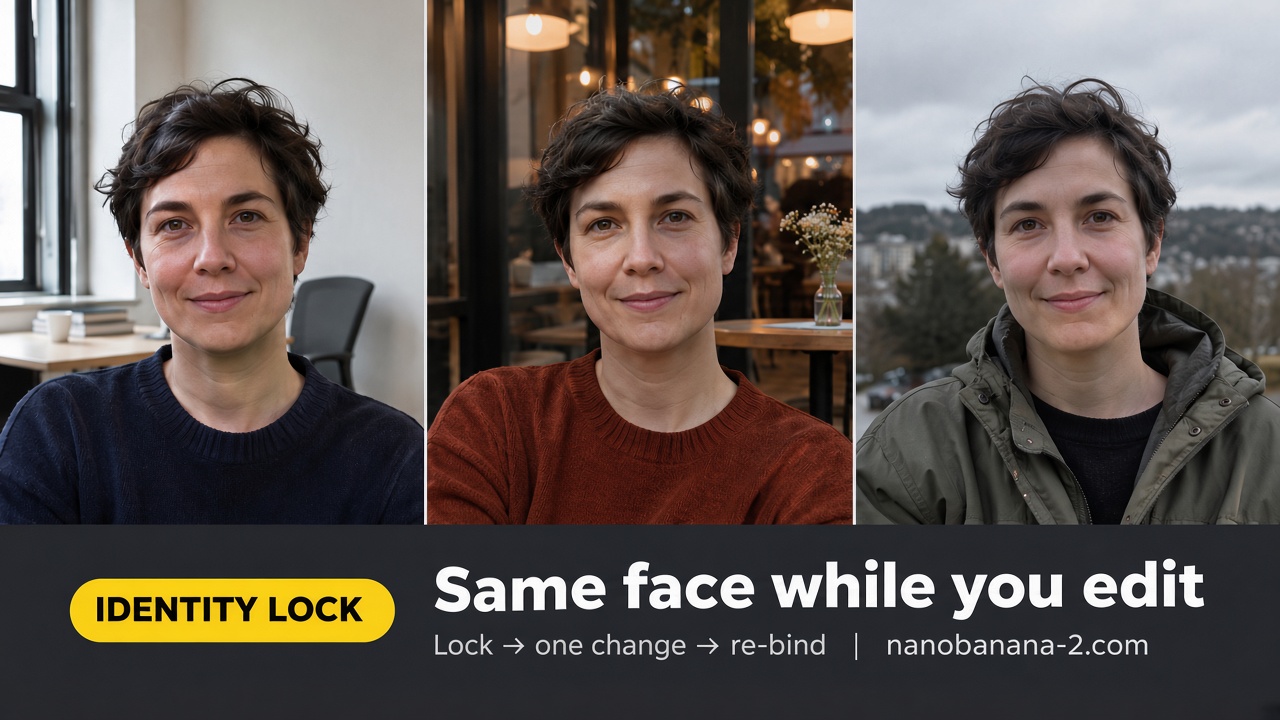
How Nano Banana Keeps the Same Face While You Edit
Nano Banana keeps the same face across edits when you start with an identity lock, change one thing at a time, and assign clear roles to multiple references.
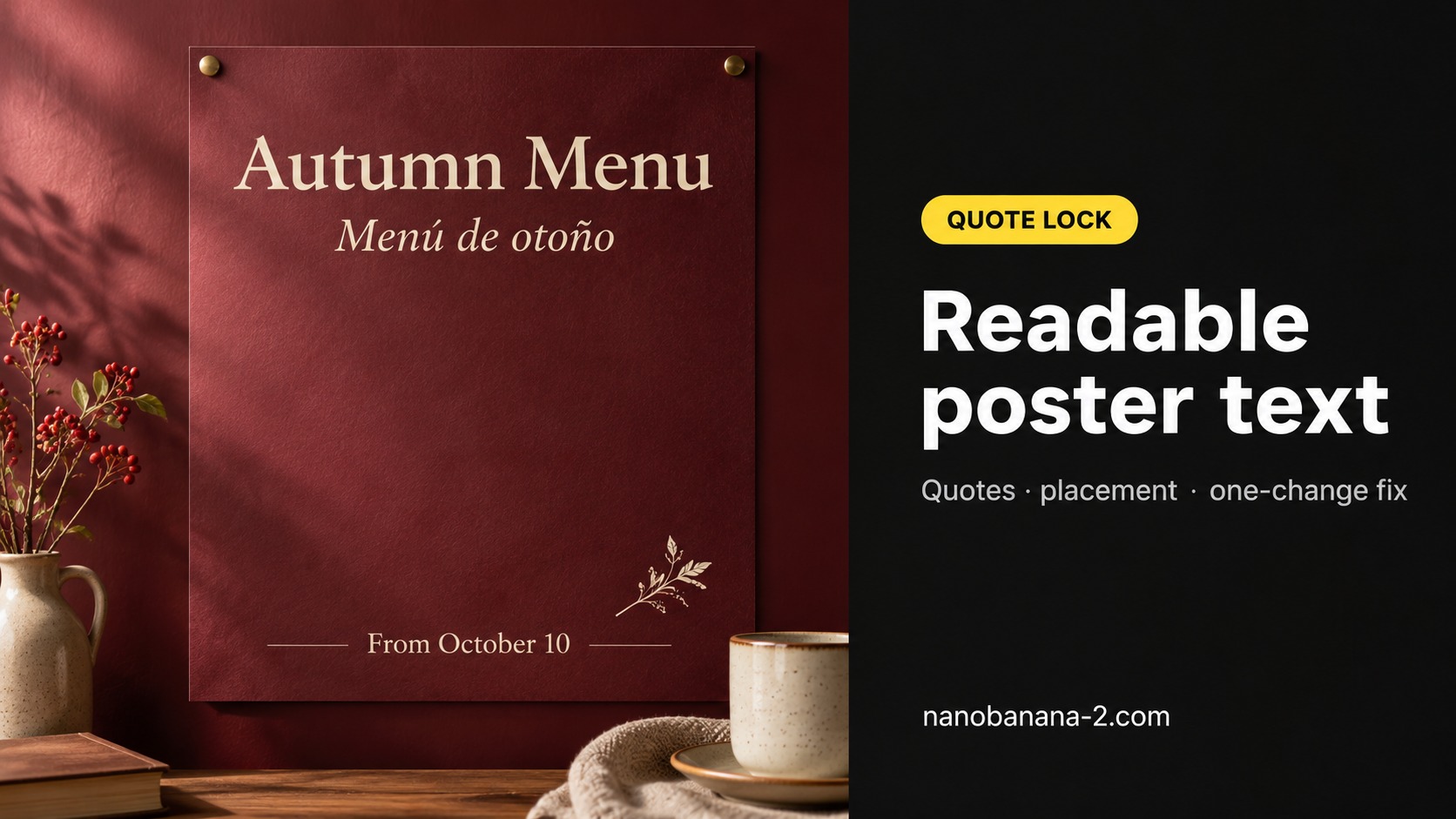
Readable Poster Text with Nano Banana Text Rendering
Nano Banana text rendering stays readable when you quote every on-image line, name type style and placement, keep copy short, then generate—and fix only the misspelled string if…